AVS Video Editor presents Artificial intelligence plugins that significantly expand the capabilities of AVS4YOU video editing tools. AI plugins can assist with a wide range of tasks such as improving video quality, removing noise, and many more. These tools analyze the media content and apply intelligent algorithms to deliver faster and more consistent results.
In this will walk you through the process of installing and configuring AI plugins for AVS4YOU, allowing you to unlock additional functionality and enhance your editing workflow.
Go to AVS4YOU Plugins Marketplace and download an AI plugin marked with the AI Powered tag.
All available AI plugins are listed below:
- Sora2 Video Generator,
- HeyGen AI Video Generator,
- Gaterv3 Restoration Effect.
The downloaded plugin will have the .avsp extension.
[Back to the Top]
Run AVS Video Editor, select the File tab on top and press the Plugin Manager... option in the dropdown menu. The AVS Plugin Manager window will appear displaying all installed plugins:
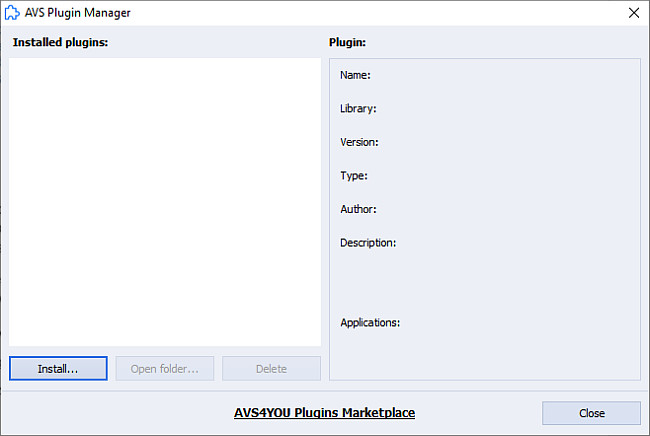
To install a new plugin, press the Install... button, specify the path to a .avsp extention plugin file and press Open.
Upon a successful installation, a corresponding window will appear, and the new plugin will be displayed in the Installed Plugins list:
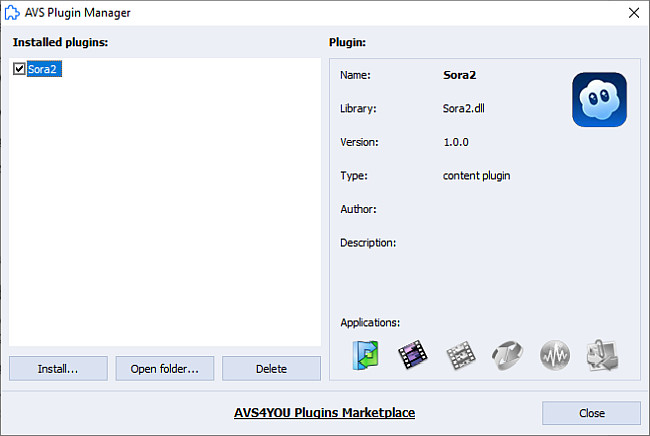
By clicking a plugin, you can see all available information about it: Name, Library, Version, Type, Author, Description, and available Applications.
Press the Open folder... button to open the path to the file in Explorer.
To uninstall a plugin, check it or click the right mouse button to open the context menu and select the Check all option to check several plugins simultaneously, and press the Delete button to confirm.
[Back to the Top]
After installation, new options will appear in the File tab:
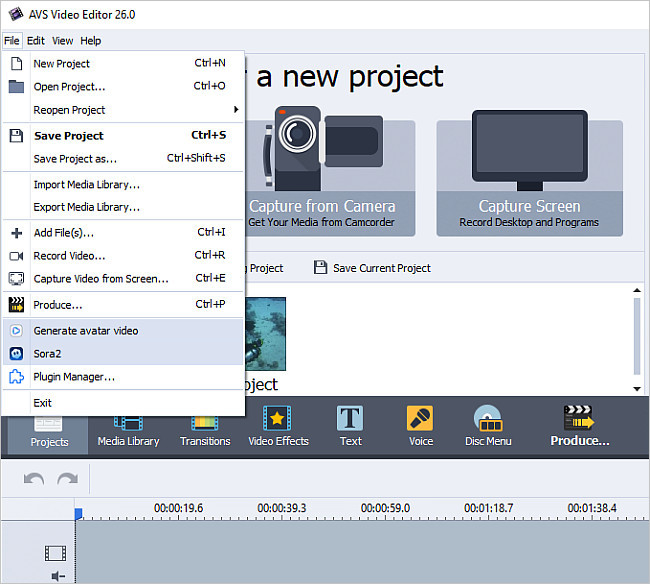
Sora 2 is an artificial intelligence model developed by OpenAI that generates realistic videos from text prompts. Click Sora2  option to open the plugin’s window.
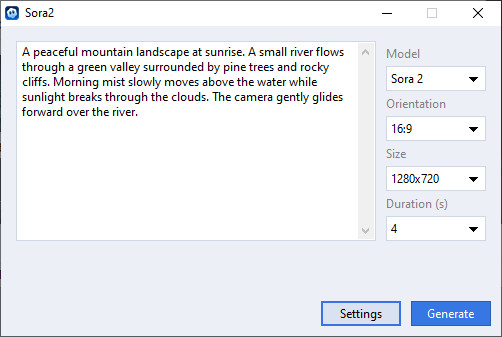
Press the Settings button, insert your OpenAI API key into the field, and press the Save button to apply your key.
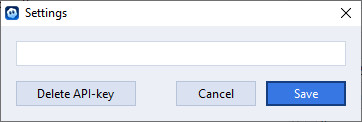
The key should look as the following: sk-...52GU.
If you don’t have an available API key, you can create one by visiting OpenAI API Keys and clicking the Create new secret key. To learn more about creating an API key and its pricing, please refer to Developer Quickstart.
Now everything is set up and ready to use. To learn how to create a video using Sora 2, read the following guide.
AVS4YOU also supports HeyGen - an AI-powered platform that allows users to create videos with realistic virtual presenters.
To configure HeyGen  , open the File tab and click the Generate avatar video option in the menu.
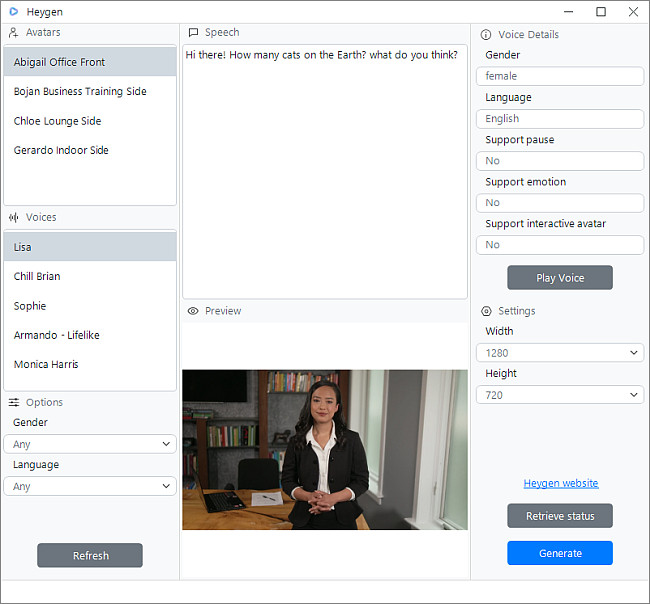
Press the Generate button, insert your Heygen API key into the field, and press the Ok button to apply your key.
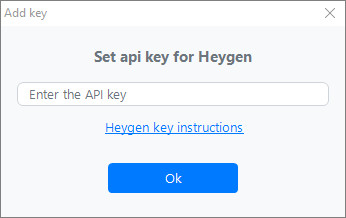
If you don’t have an available API key, you can create one and find more about pricing by visiting HeyGen Profile API. To learn more about creating an API key, please refer to HeyGen documentation.
Now everything is set up and ready to use. To learn how to create a video using HeyGen, read the following guide.
[Back to the Top]
Please note that AVS4YOU programs do not allow you to copy protected material. You may use this software in copying material in which you own the copyright or have obtained permission to copy from the copyright owner.