


Just a few years ago, video editing meant hours of manual work, from trimming clips and syncing audio to creating subtitles and stabilizing shaky footage. Today, AI complete many of these tasks in minutes, and even generate videos from a text prompt.
As AI becomes more powerful, many creators are asking: Will AI replace video editors?
The answer is no, but it is transforming the way they work. AI excels at automating recurring tasks, allowing editors to focus on what matters most: storytelling, creativity, and artistic decisions. Rather than replacing human editors, AI is becoming a valuable creative assistant.
In this article, we’ll explore what AI can already do, where it still falls short, and why editors who learn to usenew tools are likely to have an advantage over those who ignore them.
What AI video tools can actually do?
AI has made real, meaningful progress in video production. Here’s what it’s genuinely good at:
Automating repetitive tasks
This is where AI shines brightest. Tasks that used to eat up hours of an editor’s day now are finished in minutes:
Silence removal: AI detects and cuts dead air from recordings automatically.
Auto-captions: First-pass transcripts and subtitle files are generated without any manual input.
Audio leveling: AI effortlessly balances voices and background music.
Reframing for different formats: Got a 16:9 video that needs a vertical version for TikTok? AI crops it intelligently.
Offloading these routine technical tasks to AI allows editors to spend less time on preparation and more time on creative work.
Smart editing features
Beyond basic cleanup, AI is getting better at helping editors structure their work faster:
Rough assembly cuts: With IntelliScript, DaVinci Resolve Studio turns a written script into a basic video timeline, so editors have a draft to work from.
Scene detection: AI identifies shot changes and organizes footage instantly.
Smart cropping and framing: AI tracks subjects in real-time and adjusts the framing to keep them centered throughout the video.
Color matching: AI adjusts the colors of your clips to match a reference shot.
Generating and enhancing content
AI is no longer limited to cutting down editing time. It is capable of generating videos, creating virtual presenters, and restoring footage that would once have been difficult or impossible to fix.
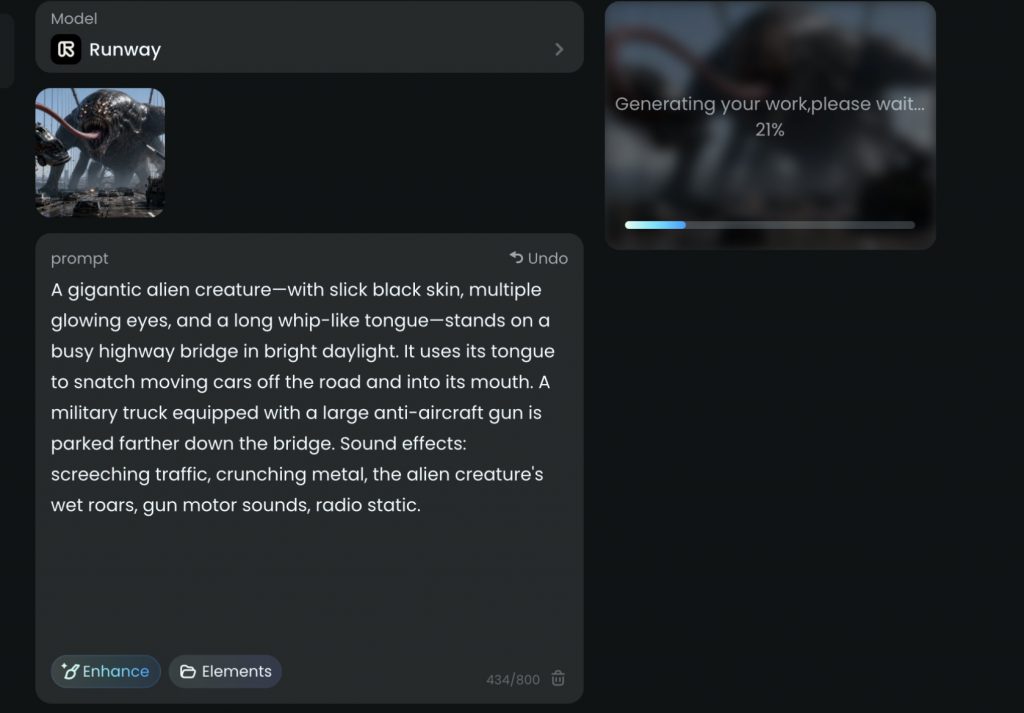
Text-to-video: Runway Gen-4.5 produces short video clips from written descriptions. The results have moved well past “clearly fake” territory into something that effectively enhances source footage.
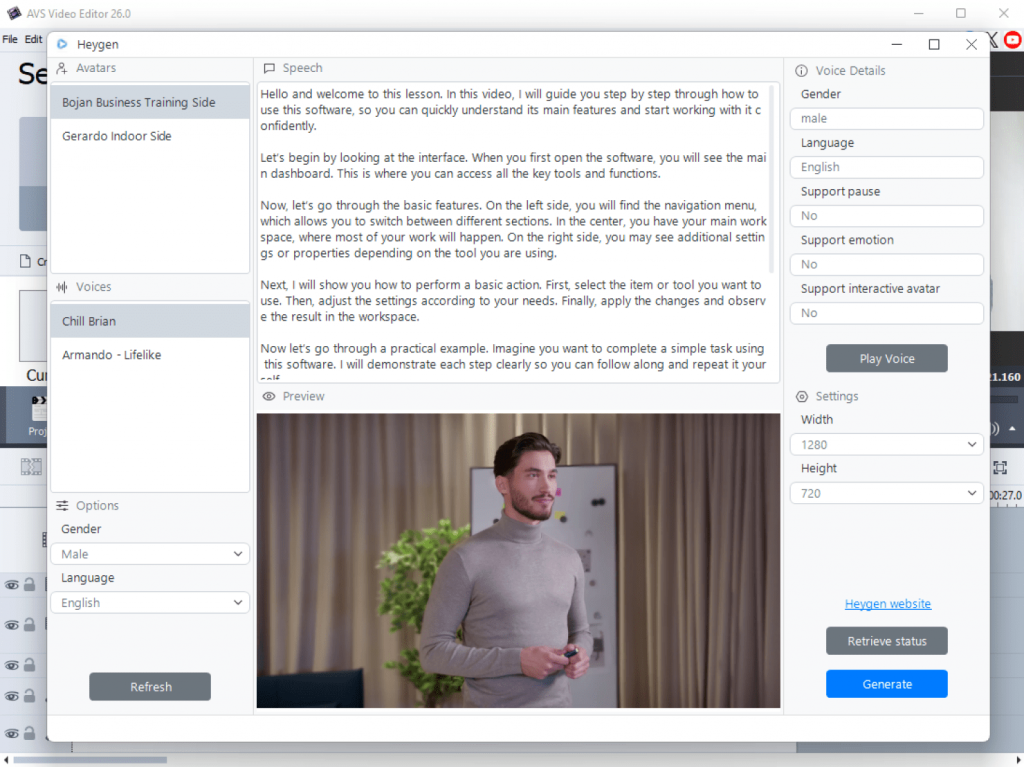
Avatar-based video: HeyGen lets you create a virtual presenter who reads your script. It is useful for tutorials, corporate updates, and training content.
Footage restoration: AI can sharpen blurry clips, reduce noise, and revive old or damaged footage to a usable standard.
AI video editing is advancing at an incredible pace. The market is expected to grow from USD 1.6 billion in 2025 to USD 9.3 billion by 2030. As investment continues to grow, AI tools are becoming faster, more accurate, and able to deal with increasingly complex creative tasks.
What human editors bring that AI can’t replicate
For all its impressive capabilities, AI still has one major limitation: it doesn’t understand why a scene matters. It analyzes footage, recognizes patterns, and suggests edits, but it can’t grasp the emotions, intentions, or relationships that shape the story and emotional effect of a video. This is where the expertise of human editors remains irreplaceable.
Storytelling and emotional judgment
Editing is more than selecting the best takes. It’s deciding how a story should unfold: when to linger on a shot, when silence has more impact than music, and when a quick cut builds tension. These creative choices influence how the audience feels.
Although AI matches two shots technically, it won’t tell you which one will grip the audience.
Creative vision and originality
When everyone uses the same AI tools and presets, videos end up looking alike. Human editors add creativity, personal style, and thoughtful decisions about pacing and tone, giving each video its unique character.
Context, nuance, and client collaboration
Great editing isn’t just about following instructions. It’s about reading between the lines. Clients don’t always know exactly what they want, and feedback like “Can you make it feel more dynamic?” or “It needs a more premium look” leaves plenty of room for interpretation. An experienced editor asks the right questions, understands the brand’s goals, and turns vague ideas into a finished video that resonates with the target audience.
The pattern is clear. AI excels at the technical side of editing, but creating a video that informs, entertains, or inspires people still depends on human creativity and judgment.
What the industry is saying
Industry research paints a reassuring picture: AI is transforming creative work, but it’s not replacing creative professionals.
According to the World Economic Forum’s Future of Jobs Report 2025, AI will automate more routine tasks while increasing demand for skills such as creativity, critical thinking, and collaboration. The report also projects a net increase in global employment by 2030 as new roles emerge alongside technological change.
McKinsey & Company estimates that generative AI could automate activities accounting for up to 30% of hours worked across the U.S. economy by 2030. However, the firm emphasizes that most jobs will evolve rather than disappear, with workers spending less time on repetitive tasks and more on higher-value activities.
The trend is already visible in video editing. Leading software companies such as Adobe Premiere Pro, DaVinci Resolve, and Descript continue to implement AI-powered features for transcription, rough cuts, audio cleanup, and other time-consuming tasks. Instead of replacing editors, these tools help them work faster and focus on storytelling, creative decisions, and client collaboration.
Popular AI video editing tools
All-in-one editors with AI features
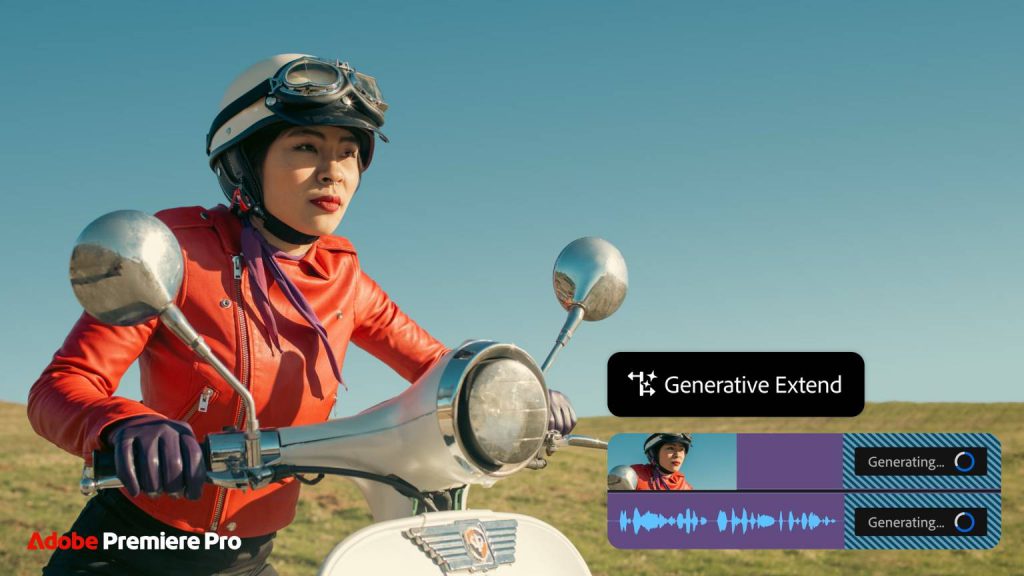
Adobe Premiere Pro remains the industry standard for professional video editing, with AI features now deeply integrated into the editing workflow. Media Intelligence, Generative Extend, automatic captioning, speech enhancement, and object removal let editors streamline routine edits while maintaining full creative control.
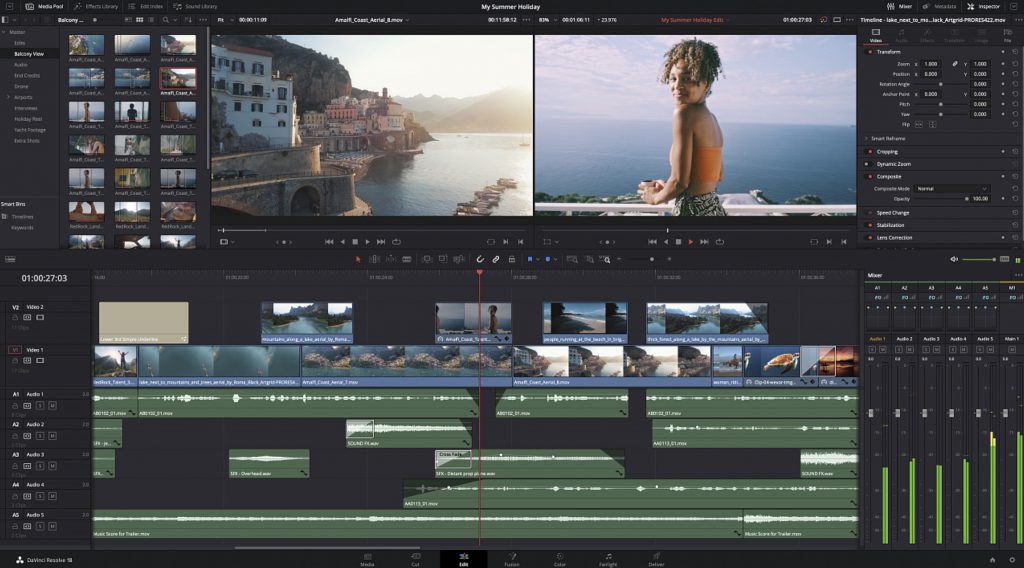
DaVinci Resolve Studio is well-regarded among professional editors for its color grading tools, and now expanding into AI-assisted editing with IntelliScript, which can build a rough timeline assembly directly from a written script.
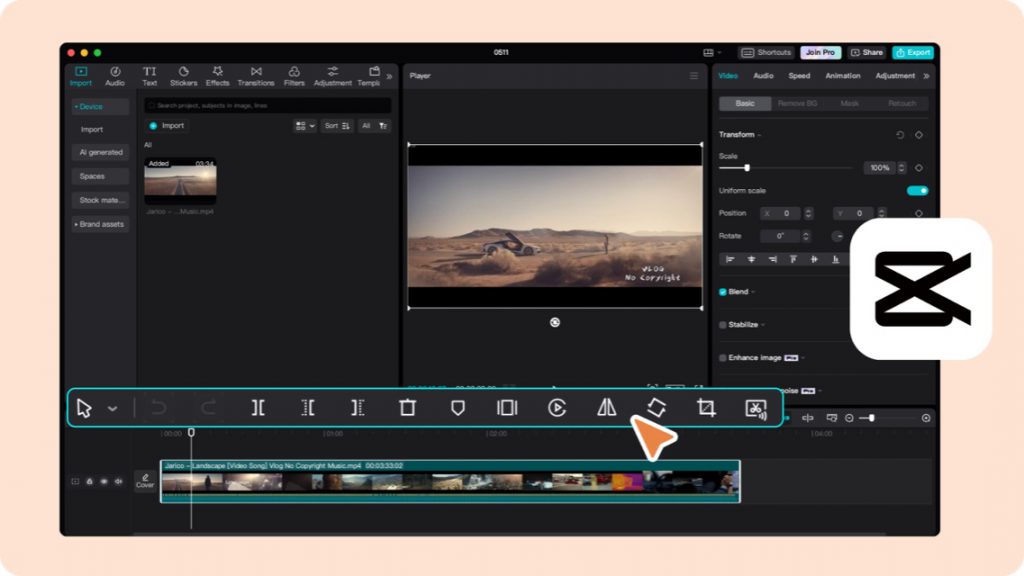
CapCut is popular among social media creators and marketers for its fast, intuitive AI features including auto-captions, templates, and background removal.
AI-first generation tools
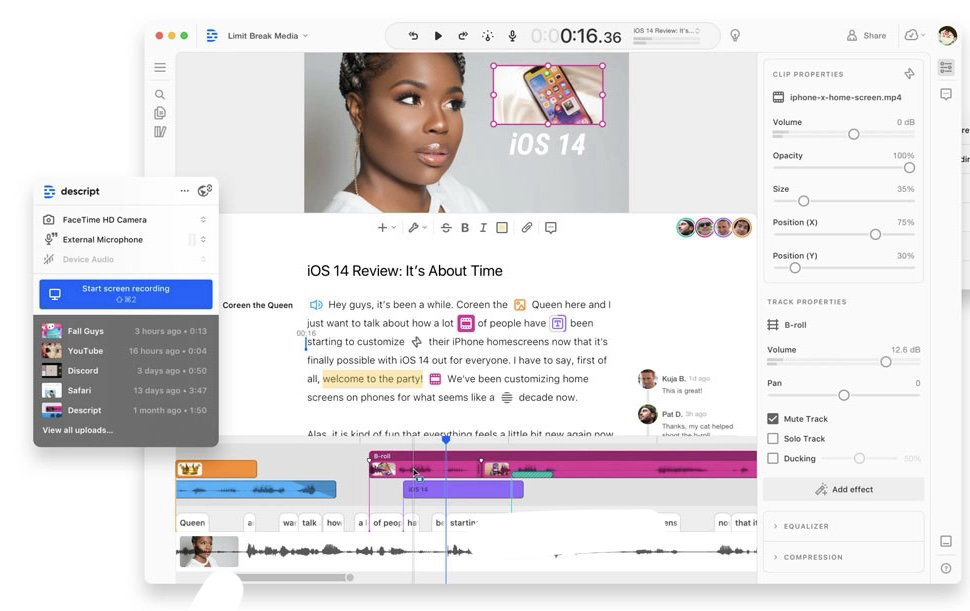
Descript takes a different approach entirely. Editors work through a transcript rather than a traditional timeline, making it especially useful for interview-based content, podcasts, and corporate videos.
Runway Gen-4.5 is a leading text-to-video generation platform for creating short AI-generated clips from written descriptions. It is useful for background footage, conceptual content, and creative experimentation.
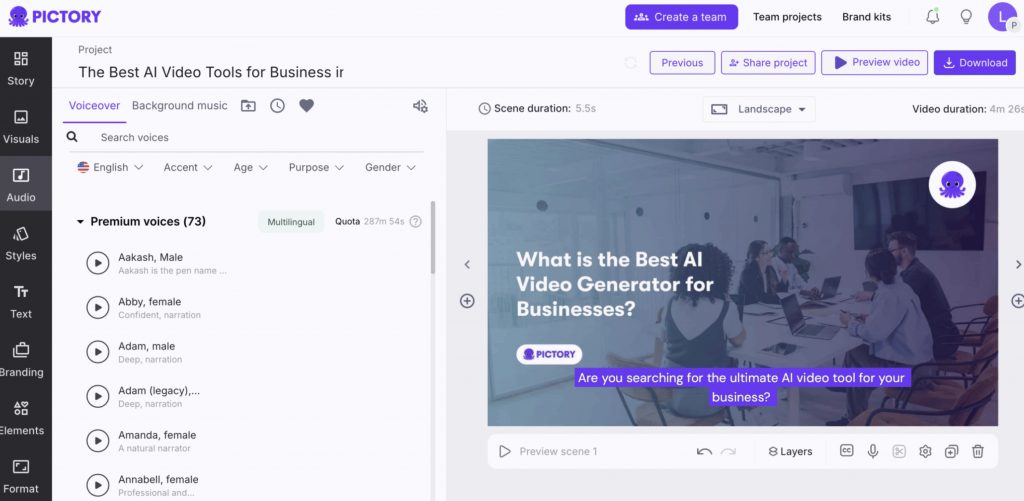
Pictory and Lumen5 both convert text content (scripts, blog posts, articles) into video formats with minimal manual editing, resulting in their popularity with content marketers.
Specialized AI assistants
AVS4YOU AI Plugins extend the capabilities of the AVS4YOU Multimedia Suite. They can be installed and used in AVS Video Editor, AVS Video Converter, and AVS Image Converter.
Launched in Winter 2026, the plugins are free, open-source, and include:
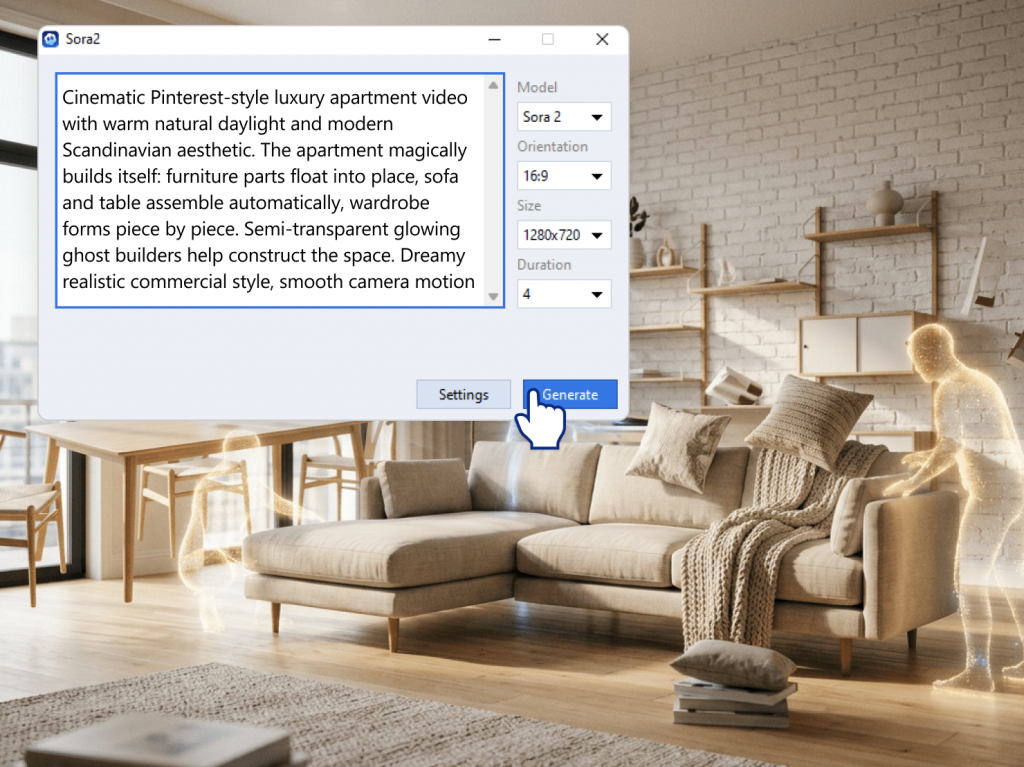
- Sora 2 Video Generator creates short video clips from text prompts, eliminating the need for filming.
- HeyGen AI Video Generator generates avatar-based presentation videos from a written script.
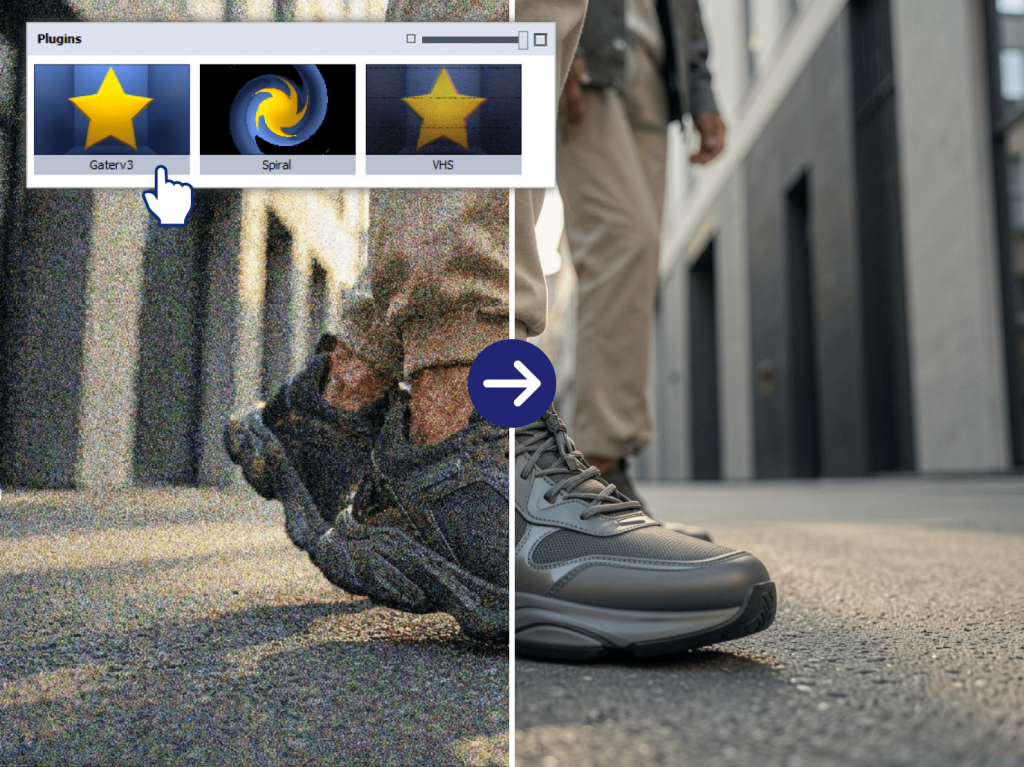
- Effect Restoration Gaterv3 restores blurry, noisy, or damaged videos and old photos using AI-powered enhancement.
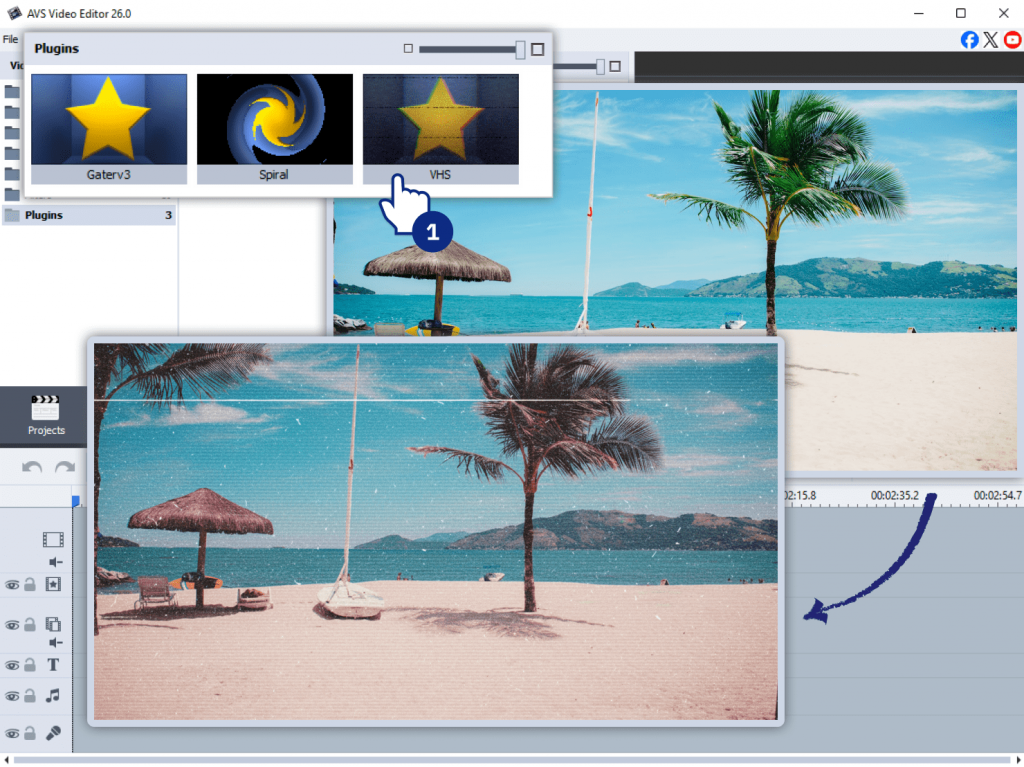
- VHS Effect gives footage a nostalgic analog look with simulated scan lines, color shifts, and tape artifacts.
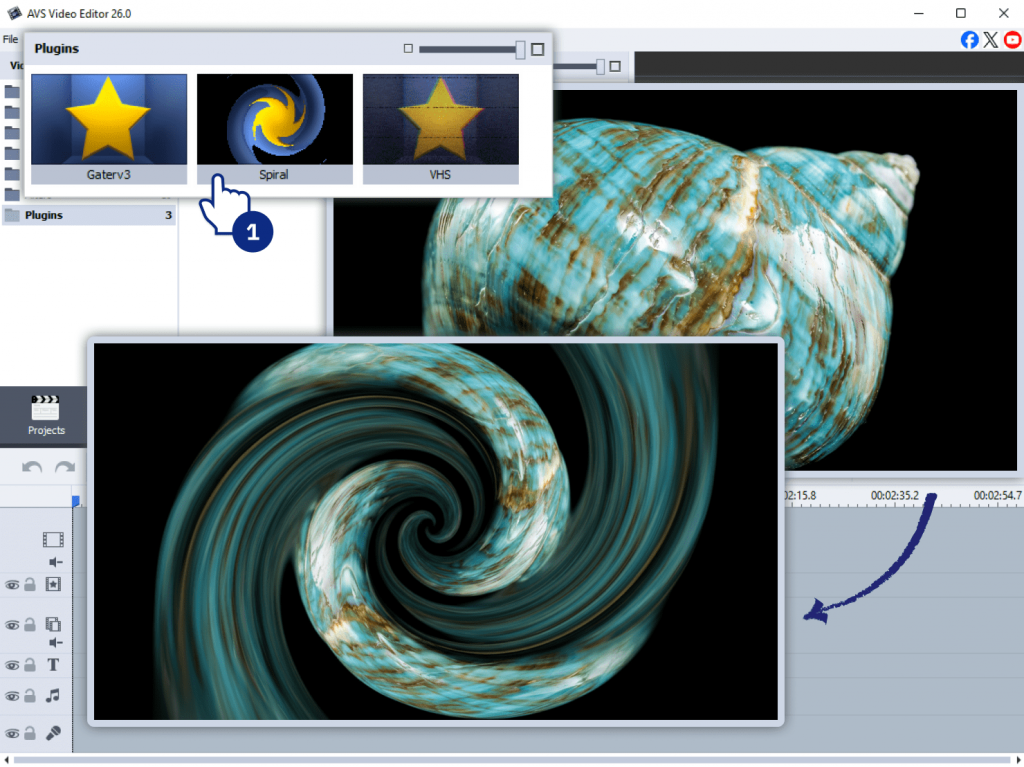
- Spiral Effect creates dynamic swirling visual effects for transitions and abstract sequences.
The plugins are designed to work exclusively within compatible AVS4YOU applications instead of functioning as standalone software. This allows users to add AI-powered capabilities to their existing editing workflow.
How to stay ahead as a video editor
The best editors in the years ahead won’t be the ones who resist AI. They’ll be the ones who use it smartly. Here’s a practical approach:
- Check your current workflow
Identify which tasks are repetitive and low-creative, such as silence removal, captions, and reformatting for different platforms
- Choose one AI tool to start with
CapCut for social media content, Descript for interview-based editing, or AVS4YOU AI Plugins for video enhancement and restoration within a familiar Windows workflow.
- Use auto-captions as a baseline
Generate them with AI, then review and refine for accuracy before publishing
- Start editing with an AI draft
DaVinci Resolve Studio’s AI feature, IntelliScript, creates a rough video timeline from a written script, giving editors a starting point instead of an empty project.
- Reinvest the saved time
Use it to develop your creative signature, take on more projects, or deepen client relationships.
- Keep your skills up to date
As AI features evolve rapidly, it’s worth spending about 30 minutes each week exploring new capabilities to stay up to date and ahead of the competition.
The editors who face the biggest challenges aren’t those who embrace AI. They’re those who spend most of their time on routine edits that AI now does in seconds. As AI takes care more of the technical work, human creativity, storytelling, and strong client relationships become more valuable than ever.
The future belongs to editors who adapt
The future of video editing isn’t about choosing between AI and human creativity. It’s about combining the strengths of both. AI will automate repetitive work, while editors focus on crafting stories, refining ideas, and creating videos to resonate with the audience.
The technology will continue to improve, but creativity, judgment, and collaboration remain uniquely human. Those who implement AI into their workflow will be able to create more without sacrificing quality.
Discover what you can do with AVS4YOU AI Plugins.
Frequently Asked Questions
What parts of video editing can AI automate today?
AI can currently automate or significantly speed up: generating captions and subtitles, removing silence, basic audio leveling, scene detection, first-pass color matching, reframing footage for different aspect ratios, and generating rough assembly cuts. Some tools also generate short video clips from text descriptions.
Can AI replace freelance video editors?
AI is unlikely to replace editors whose work depends on creativity and collaboration. Instead, it’s taking over repetitive technical tasks, giving editors more time to focus on storytelling and creative decisions.
What is the best AI video editing tool for beginners?
AVS4YOU Multimedia Suite with AI Plugins is a good option for Windows users who want to add AI capabilities to a familiar desktop editing workflow. Descript is ideal for anyone working with interview or dialogue-heavy content. CapCut is a strong starting point for beginners because of its intuitive interface and built-in AI features such as auto-captions, background removal, and smart templates.
How will AI change video editing jobs in the future?
AI is likely to shift video editing roles rather than eliminate them. Routine production tasks will become more automated, which frees editors to spend more time on creative decisions, client communication, and storytelling.
Does AI video editing produce good quality results?
AI can save time by creating captions, rough cuts, matching colors, and improving video quality. But when it comes to storytelling, pacing, and originality, human editors are still needed to arrange the final video.