



Every creator builds their own kit
You write a script in one app, record your screen in another, edit footage in a third, and design thumbnails somewhere else entirely. Before lunch, you’ve already switched between five tools, and you still haven’t published anything.
If that sounds familiar, you’re not alone.
Modern digital content creation rarely happens in a single application. Whether you’re a video creator, blogger, podcaster, social media manager, or part of a small content team, your work likely spans a variety of tasks and formats. Each stage requires different capabilities, from planning and collaboration to editing, publishing, and storage.
That’s why successful creators don’t use one “perfect” platform. Instead, they build a digital toolkit, a collection of tools that fit their workflow, content type, and budget.
This guide covers the key software categories every content creator should consider and shows you how to assemble a content creation toolset that will help you get the job done effectively.
Why сreators need a toolkit, not one app
Most software is designed to do one or two things exceptionally well. Trying to force a single platform to handle every aspect of content production often leads to compromises, missing features, and unnecessary frustration.
A thoughtful toolkit helps solve several common problems:
App-switching that breaks creative flow
Switching between different apps can waste time and interrupt your workflow. Using tools that fit together helps keep work moving smoothly.
Weak collaboration and version control
Content creation often involves feedback, revisions, and approvals. Without proper document collaboration tools and organized workflows, files multiply and important feedback gets lost.
Tool overload
Using too many tools that do the same thing adds cost and makes your workflow more complicated. More software doesn’t automatically mean better results.
The goal isn’t to collect the most apps. It’s to cover the essential categories with as little overlap as possible.
The essential software categories for content creators
When building a toolkit, think about categories first and brands second. Once you know which jobs need to be covered, choosing specific solutions becomes much easier.
Video editing
Video editing tools help you trim clips, cut scenes, merge footage, add effects, and prepare content for different platforms.
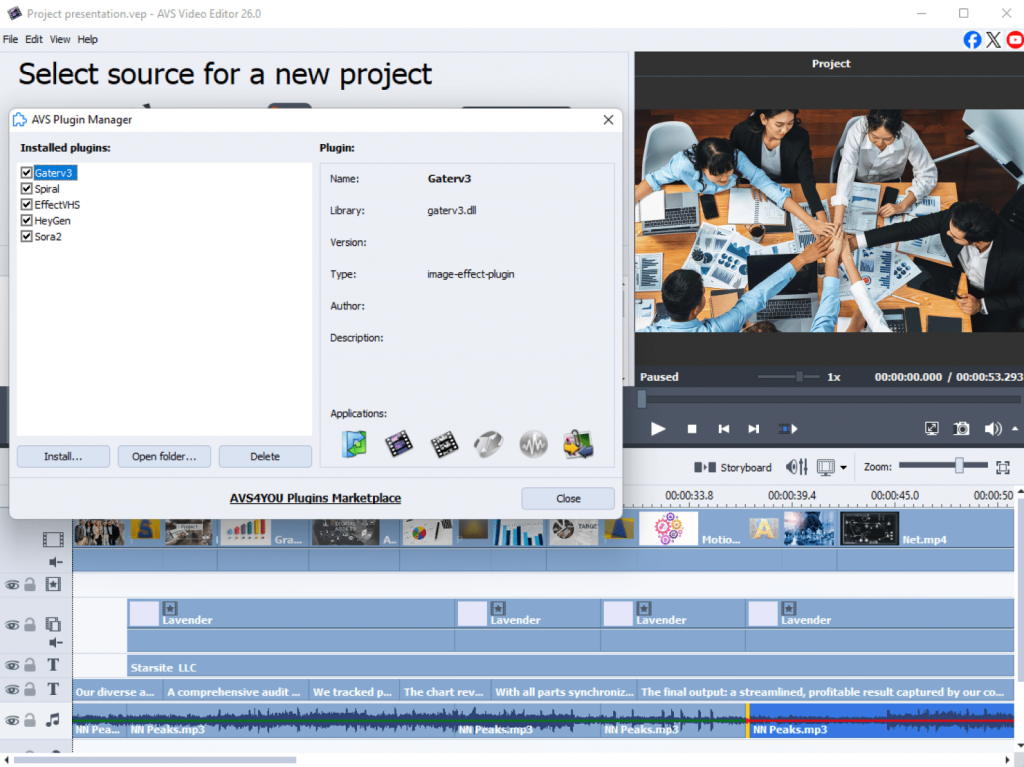
Popular options: AVS Video Editor, DaVinci Resolve, Adobe Premiere Pro, CapCut, Shotcut.
Audio editing
Clear audio can dramatically improve the quality of your content. Audio editors help remove background noise, balance levels, and polish voiceovers.
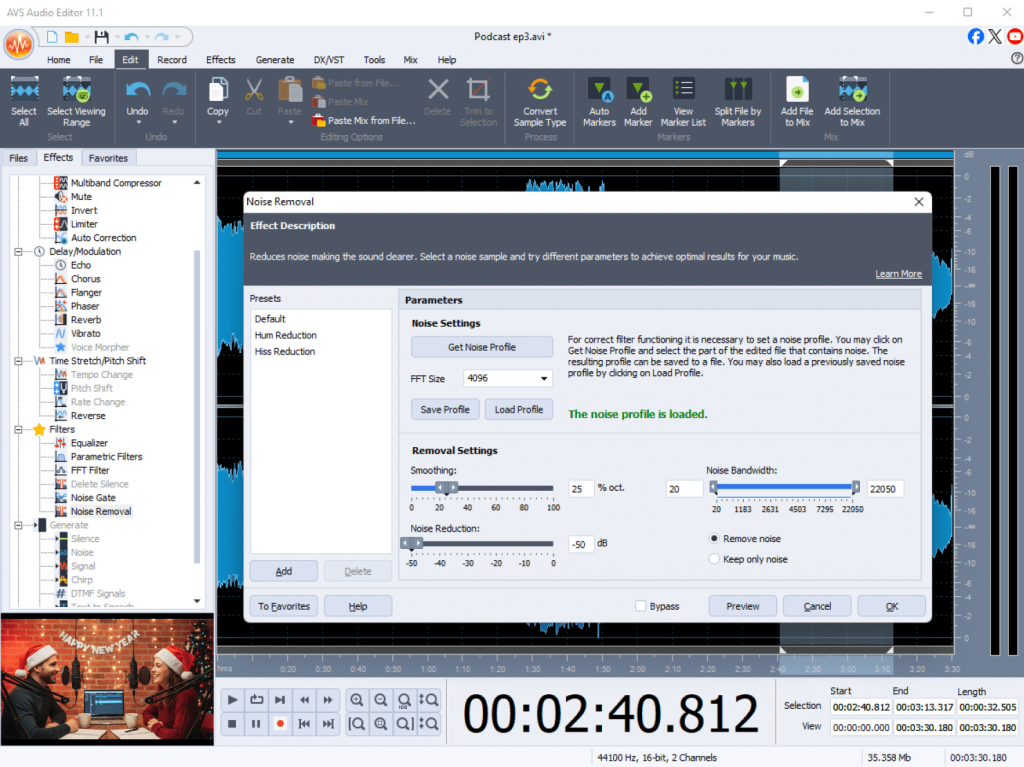
Popular options: AVS Audio Editor, Audacity, Adobe Audition, Reaper.
File conversion
Different platforms require different file formats. File conversion tools ensure your videos, audio files, and media assets are compatible wherever they’re published.
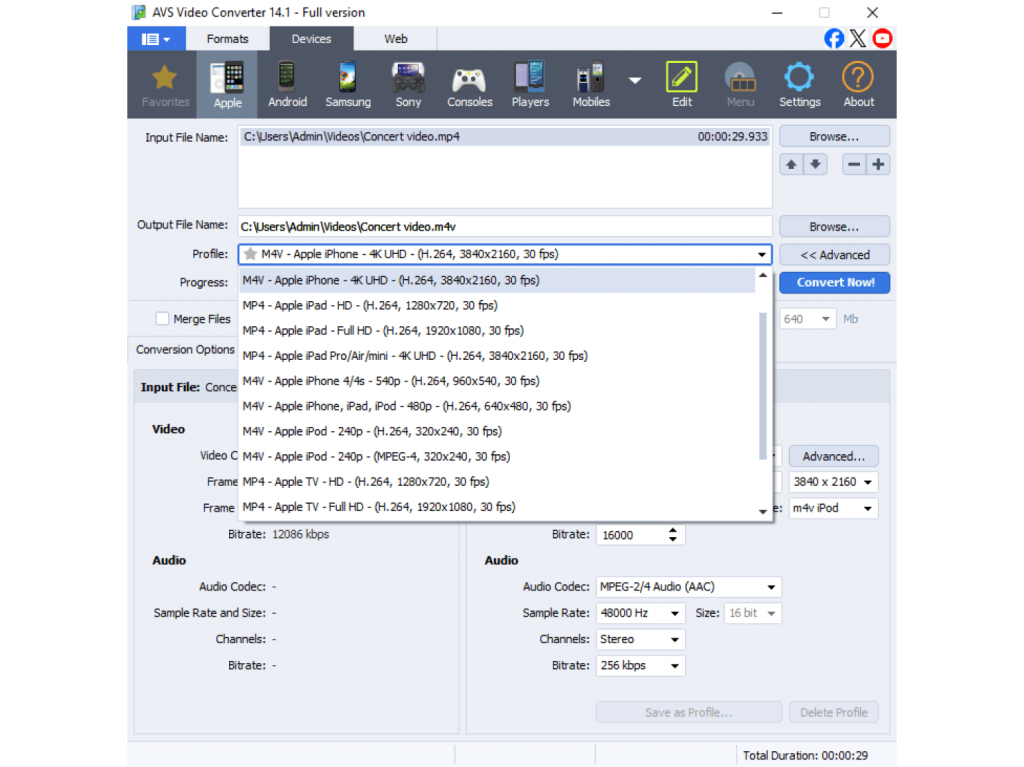
Popular options: AVS Video Converter, AVS Audio Converter, HandBrake, CloudConvert.
Document collaboration
Before you film or record anything, outline your ideas, write a script, and set deadlines. This category keeps your planning organized and your team aligned with real-time co-editing, comments, and version history.
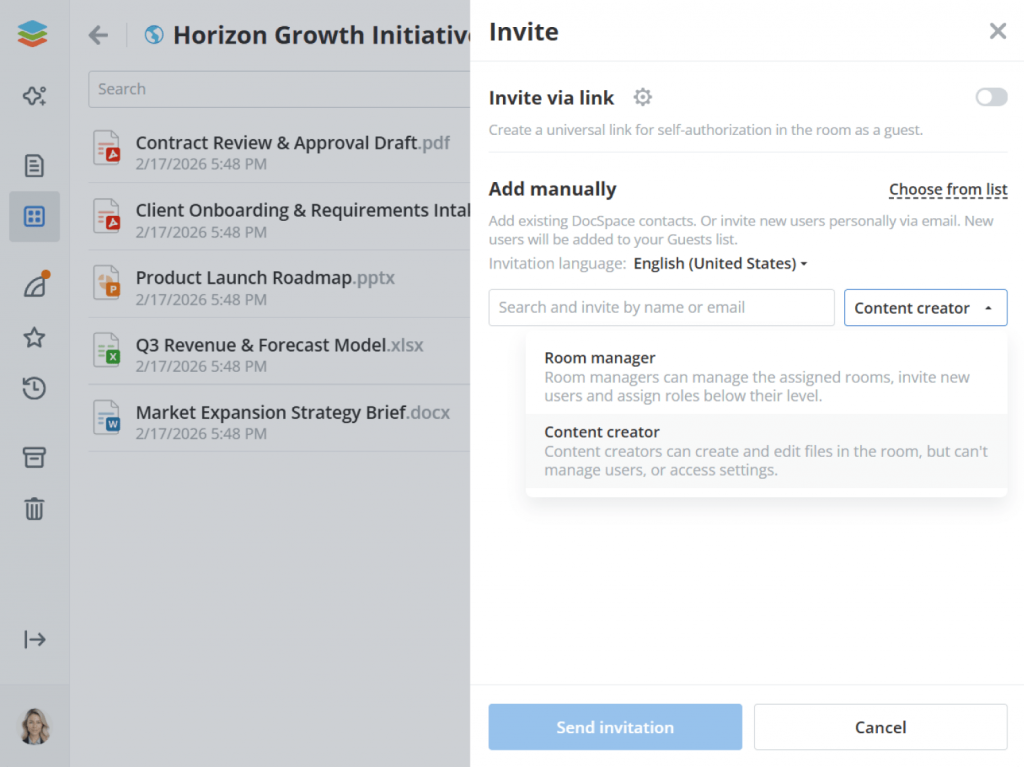
Popular options: ONLYOFFICE Docs, Google Docs, Microsoft 365, Notion.
Many creators consider this category one of the most important because it connects planning, communication, and execution in a single workflow.
Photo Editing
Visual assets such as thumbnails, social graphics, blog images, and promotional materials require specialized editing tools.
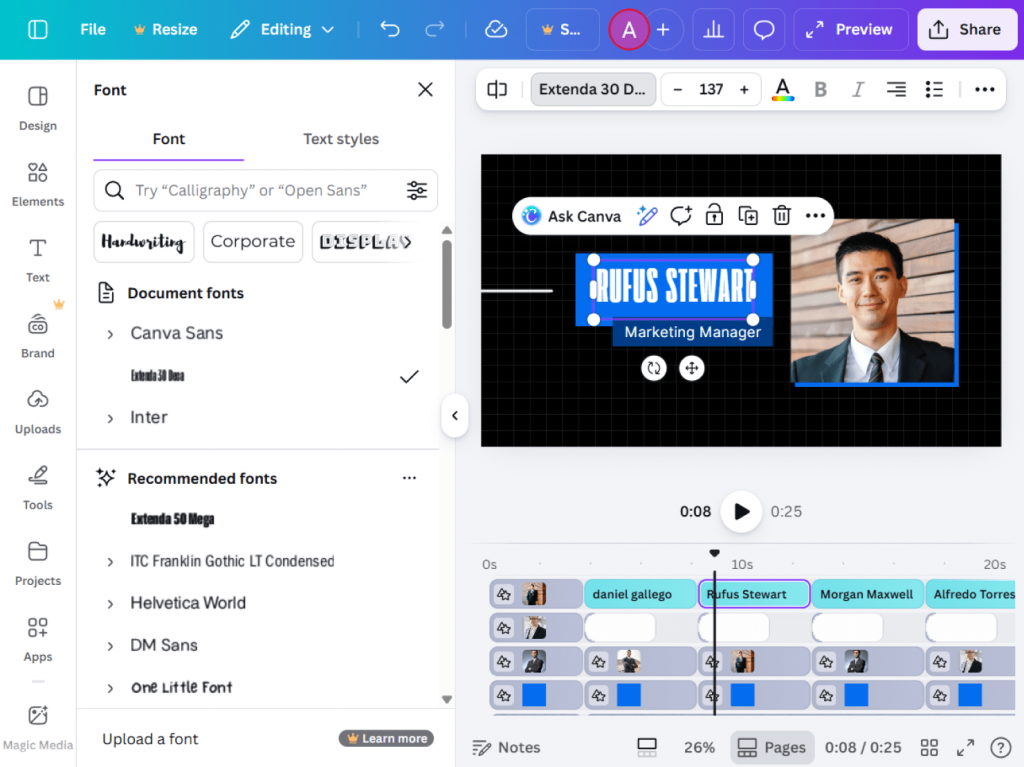
Popular options: Adobe Photoshop, Affinity Photo, GIMP, Canva, Photopea.
Screen recording
Screen recording is essential for tutorials, product demonstrations, software reviews, and walkthroughs.
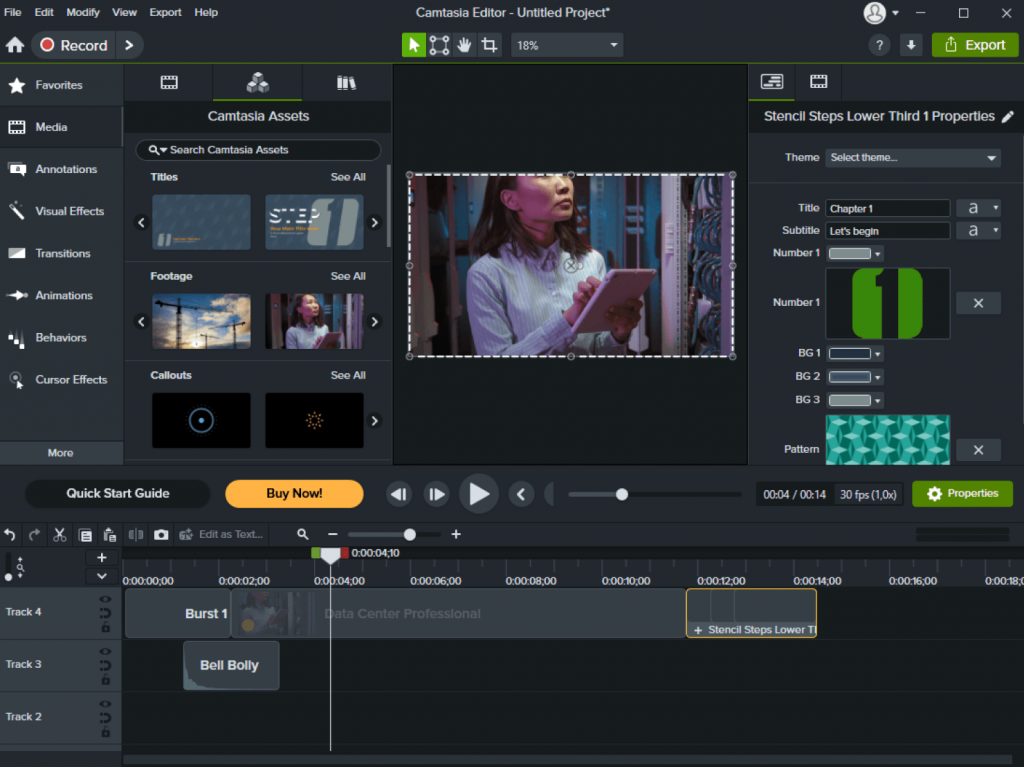
Popular options: OBS Studio, Camtasia, Loom, ShareX.
If screen capture is a regular part of your content creation workflow, a dedicated recorder often provides more flexibility than built-in recording features.
Grammar and proofreading
Clean writing builds trust. A grammar checker catches typos, tightens sentences, and improves readability before you publish.
Popular options: Grammarly, LanguageTool, Hemingway Editor, ProWritingAid.
Cloud storage
Creators accumulate large numbers of assets, drafts, exports, and source files. Cloud storage keeps everything accessible and backed up.
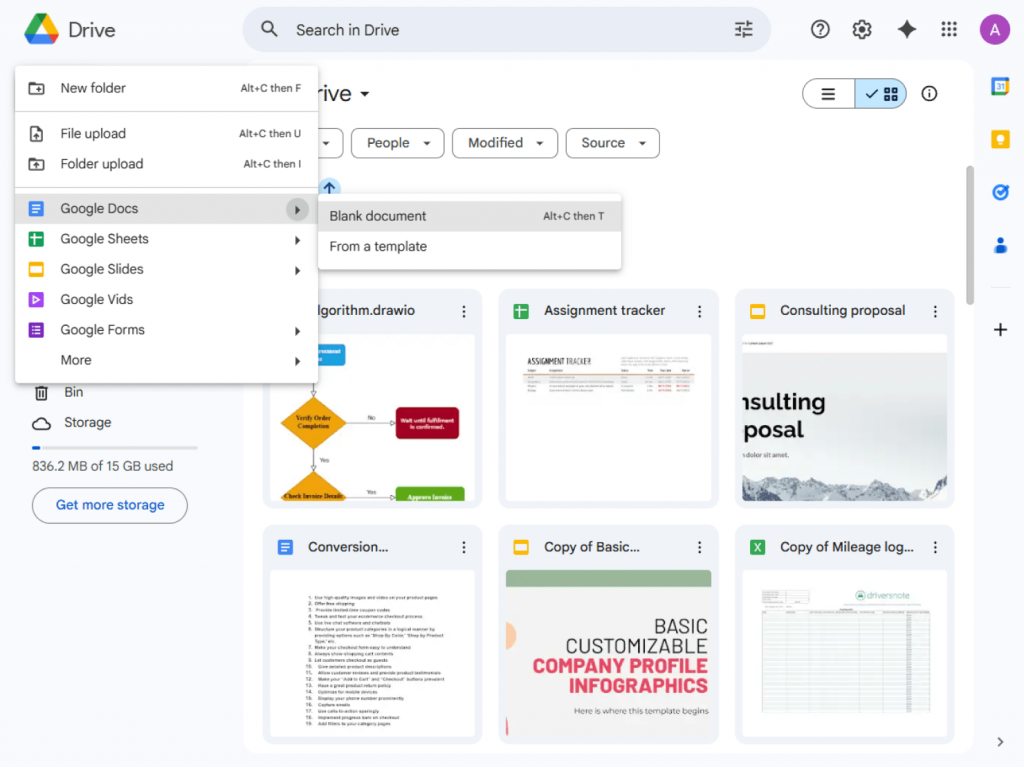
Popular options: Google Drive, Dropbox, OneDrive.
Project management
As projects become more complex, keeping track of tasks and deadlines becomes increasingly important.
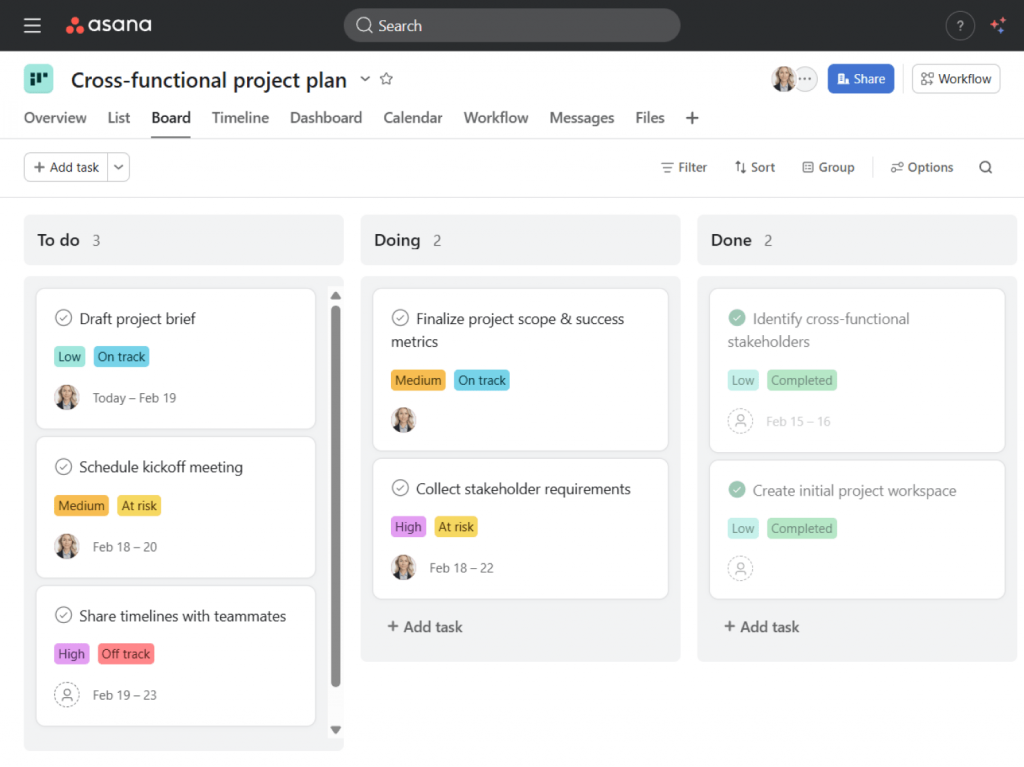
Popular options: Trello, Asana, ClickUp, Notion.
Project management tools empower teams to coordinate work and maintain visibility across multiple projects.
Publishing and scheduling
The final stage of content creation is distribution. Publishing and scheduling tools allow creators to plan releases, gather approvals, and publish content regularly.
Popular options: Buffer, Hootsuite, Later, Frame.io.
How to build your own toolkit
There is no universal creation toolkit that works for everyone.The best approach is to choose tools that fit the way you work.
Map your weekly tasks
Start by listing the activities you perform every week. Include planning, recording, editing, reviewing, publishing, and asset management. Then identify where you lose the most time.
Cover the essentials first
Most creators benefit from securing a few core categories before investing in professional software: video editing, audio editing, document collaboration, cloud storage. These categories support nearly every content format.
Add specialist tools where needed
If you create tutorials daily, prioritize screen recording. If visual branding matters most, invest in photo editing resources. Choose software that directly supports your most frequent tasks.
Check compatibility
Before committing to any content creation platform, verify that it supports the file formats and integrations you need. Compatibility problems often create more frustration than missing features.
Balance free and paid tools
Many creators successfully combine premium software with a free app for specific tasks. There’s no need to buy everything at once—expand your toolkit as your projects grow.
A sample creator workflow in action
To see how these categories work together, imagine a small content team producing a video tutorial.
The process starts with planning. Team members create a script and production outline using document collaboration tools such as Google Docs, Microsoft 365, or ONLYOFFICE.
Next, the creator records screen demonstrations using OBS Studio, Loom, or another screen recorder. The footage is then imported into a video editor, where clips are trimmed, arranged, and refined. Audio is cleaned up separately in AVS Audio Editor, Audacity, or Adobe Audition to improve clarity and remove unwanted noise.
Once the video is complete, thumbnails and supporting graphics are created in a photo editing application, for instance, Canva or Affinity Photo. Captions, descriptions, and promotional copy are reviewed using grammar-checking software. All project assets are stored in cloud storage, allowing team members to access the latest versions from anywhere.
Finally, use publishing tools like Buffer or Hootsuite to collect approvals and schedule your completed posts
Each tool handles a specific task, creating a smooth content creation workflow from planning to publication.
Common mistakes to avoid
Even the best toolkit can become inefficient if it’s built without a clear purpose. Make sure you are not trapped by the following pitfalls:
Buying tools you won’t use
Choose software based on current needs rather than future possibilities.
Ignoring file formats
Always verify export settings and compatibility before building a workflow around a tool.
Skipping backups
Keep both source files and final exports backed up in reliable cloud storage.
Over-relying on one application
Trying to force a single platform to handle every task often creates unnecessary limitations. Sometimes a specialized tool can save hours of work.
Your kit, your rules
A great digital toolkit isn’t a fixed list of applications. It’s a collection of tools that supports the way you create.
Some creators prefer a simple setup with just a few essential capabilities, others need specialized software at every stage of production. Neither approach is better by nature. What matters is finding the right balance for your workflow.
Start by identifying the categories that matter most to your projects. Fill the gaps that slow you down, choose tools that fit your budget and working style, and refine your toolkit as your needs expand.
Then gradually build a toolkit that fits your goals and evolves with your projects. For video and audio editing, use AVS4YOU, DaVinci Resolve, or Audacity to create high-quality content. For collaboration and planning, such platforms as ONLYOFFICE, Google Docs, and Notion make it easier to keep projects organized and teams aligned. Meanwhile, Canva, Dropbox, and Buffer will simplify design, file management, and publishing.
The best toolkit is the one that supports your creative process without getting in the way. Choose the tools that solve your most complex problems today, and evolve your system as your projects and audience grow.