


Video editing trends are evolving faster than ever. Strategies that worked not long ago become outdated in record time. Today’s viewers expect engaging, authentic, easy to follow content. The future of video editing is all about creating smarter content, more rapidly. Audiences crave real connections, while creators need efficient video editing workflows to keep pace with the demand for high-quality content.
To expand your audience and keep viewers engaged, it’s important to understand the latest video editing trends. In this guide, you’ll explore the techniques shaping modern video creation, from AI-powered editing and short-form vertical videos to smoother workflows for handling large 4K and 8K files. Follow these strategies to keep your content fresh, compelling, and ahead of the curve.
Why video editing trends matter
Trends define how people watch, scroll, and interact with your videos. Polished, professional content that meets viewers’ expectations is more likely to attract and engage a wider audience.
A few big shifts are driving the change this year. Artificial intelligence, or AI, has grown smart enough to perform boring tasks for filmmakers. Short, vertical videos now dominate social feeds. Most people watch on their phones, so mobile-first editing is a must. And audiences increasingly long for real, relatable content over heavily polished production.
The key isn’t to follow every trend, but to know which changes are worth adopting and how to implement them into your existing editing routine.
Top video editing trends
We have selected five main trends to consider. For each one, you’ll find why it matters, a quick example, and three easy tools to try first.
Trend 1. AI-powered editing workflows
AI now simplifies the slow, repetitive parts of editing. It can clean up audio, remove awkward pauses, keep the subject in frame, and even performs color correction.
Why it matters: AI saves time and makes editing far less intimidating, especially for novices. Tasks that once took hours are now just a click away.
Quick example: Imagine you record a presenter-like video with background noise and a few long pauses. Instead of slicing every silent moment by hand, AI deletes the dead air, cleans up the background hum, and applies one-click color correction so your footage looks bright and balanced. Auto-framing allows to keep the speaker’s face centered which is vital for a vertical post.
Tools to try:
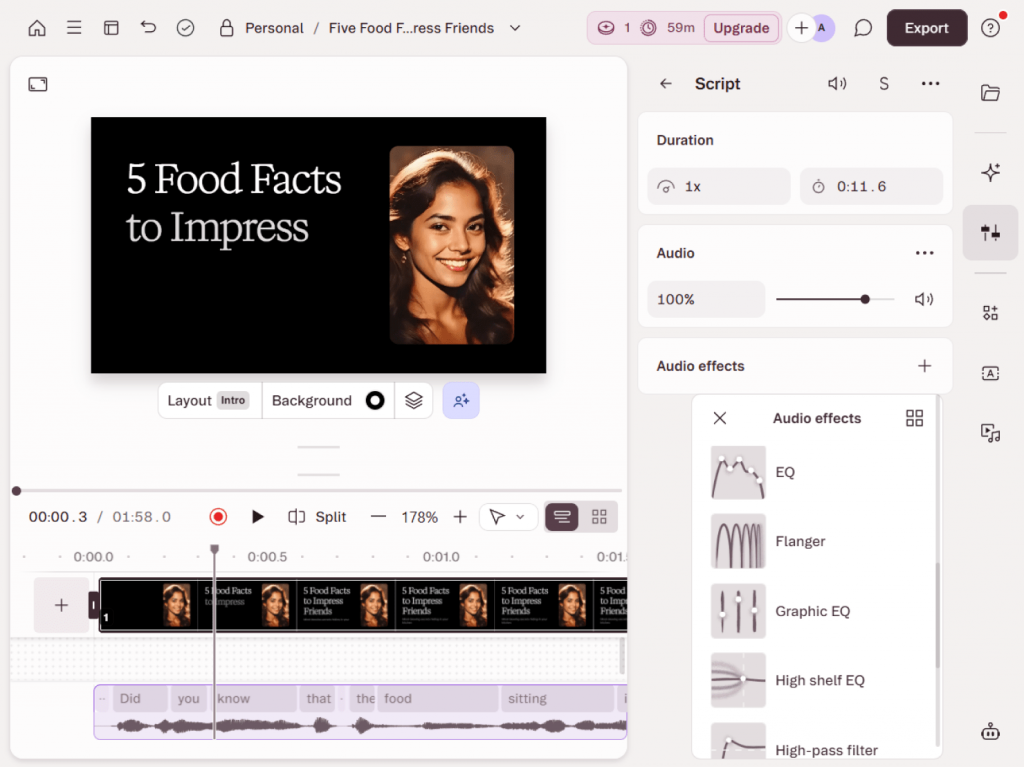
Descript — best for AI audio cleanup and silence removal; it empowers users to edit video by editing text.
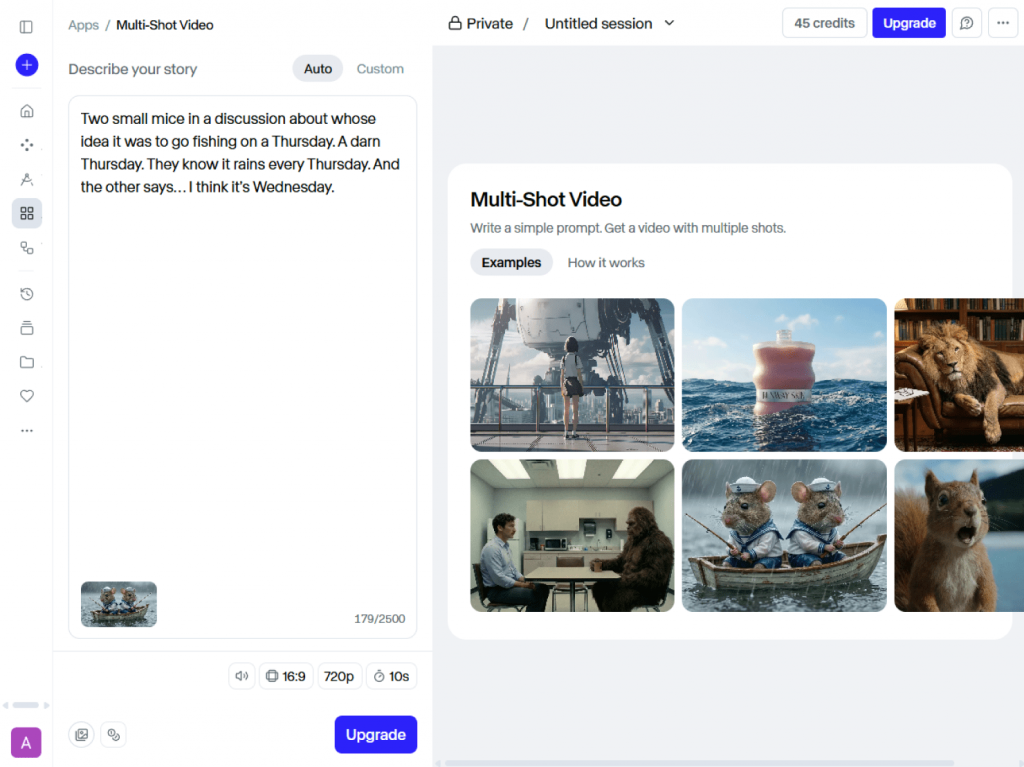
Runway — best for advanced AI effects and generative tools when you want to make something creative.
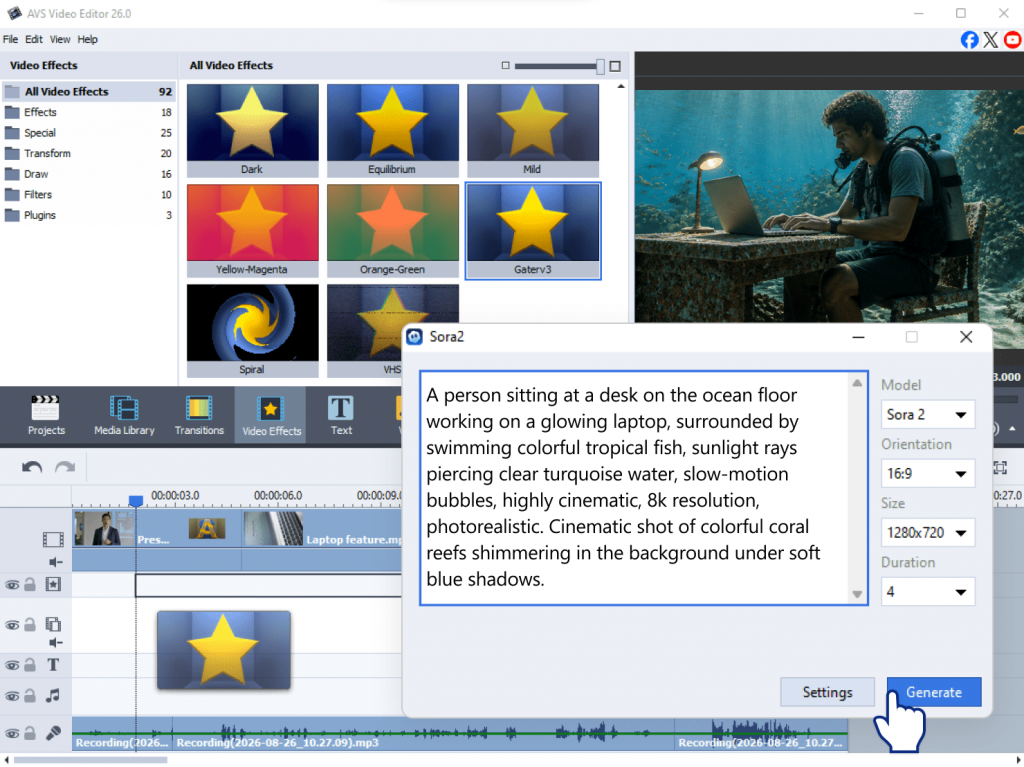
AVS Video Editor — built-in AI plugins let you generate short videos from prompts, restore visuals, and apply creative stylization, all without leaving the editor.
Trend 2. Mobile-first, vertical and short-form video
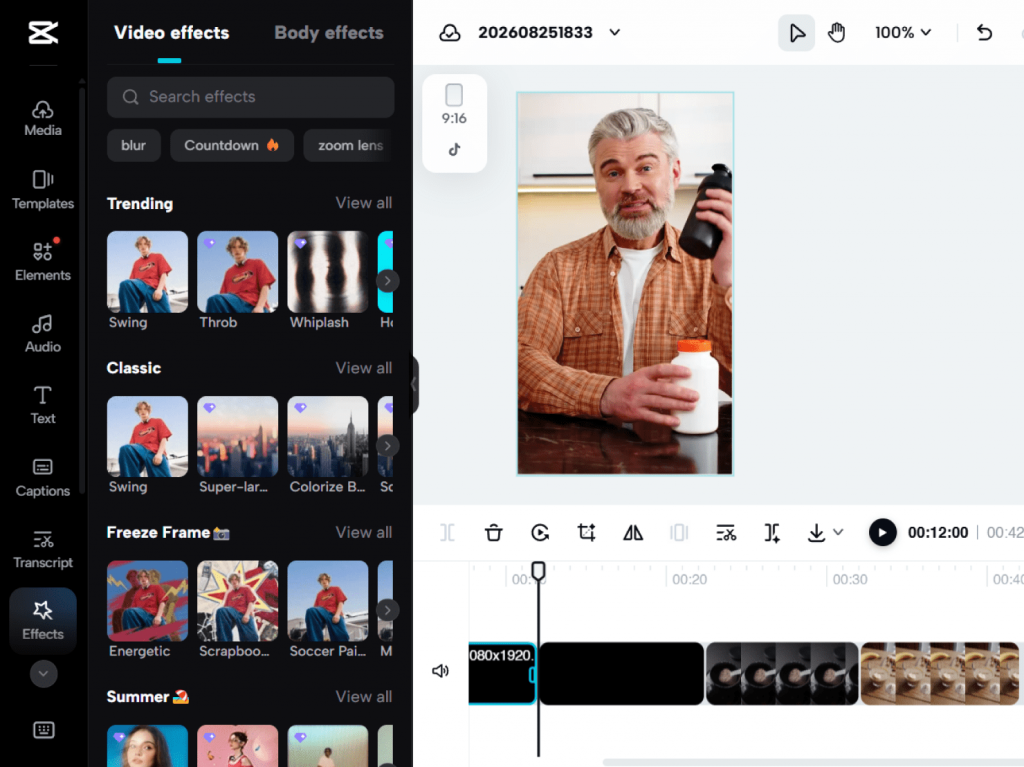
Vertical, bite-sized video rules platforms such as TikTok, Instagram Reels, and YouTube Shorts. These are 9:16 clips built for phone screens, which attract viewers from the very first second.
Why it matters: Most people watch on their phones, so vertical video is no longer optional if you want to be noticed. Short clips also earn more views and help content creators build a loyal, engaged audience.
Quick example: You film one 10-minute product demo. Then you slice it into several 30-second clips, each with a strong hook in the first two seconds and fast cuts to keep the energy up. That single recording can provide content for an entire week. Just remember to keep your key text and faces in the center “safe zone” so app buttons don’t cover them.
Three tools to try:
CapCut — best for vertical mobile content, with ready-made short-form templates.
InShot — best for quick, on-the-go editing right from your phone.
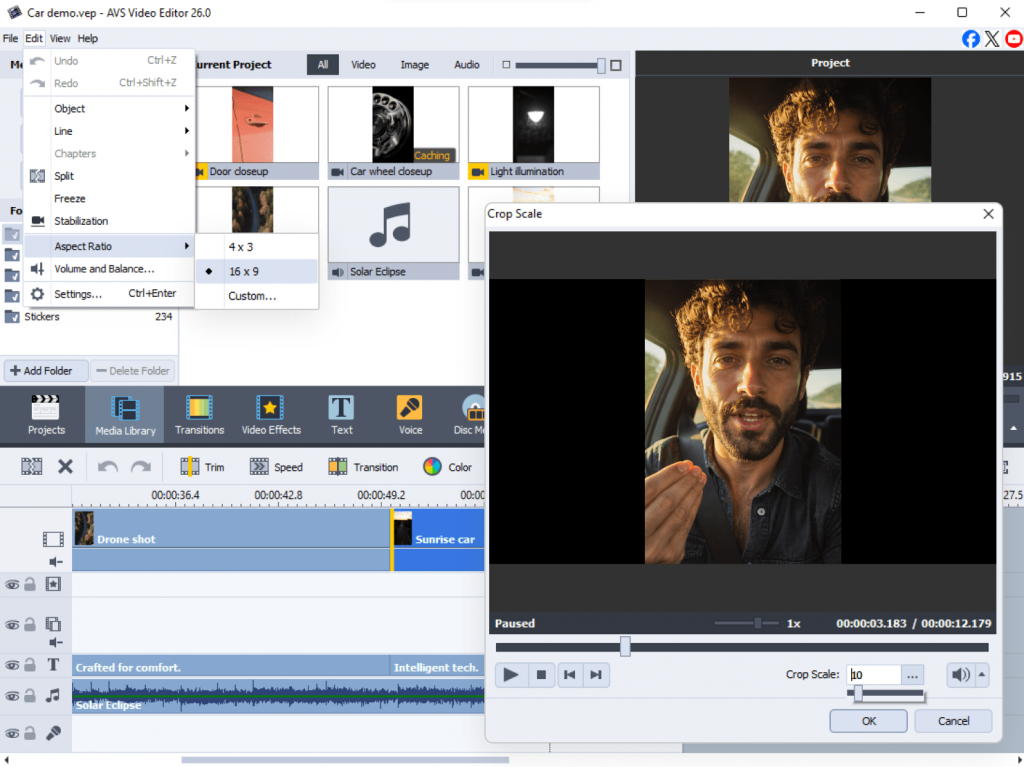
AVS Video Editor — a strong desktop option with different aspect ratios and easy cropping to switch formats fast.
Trend 3. Silent viewing and video accessibility
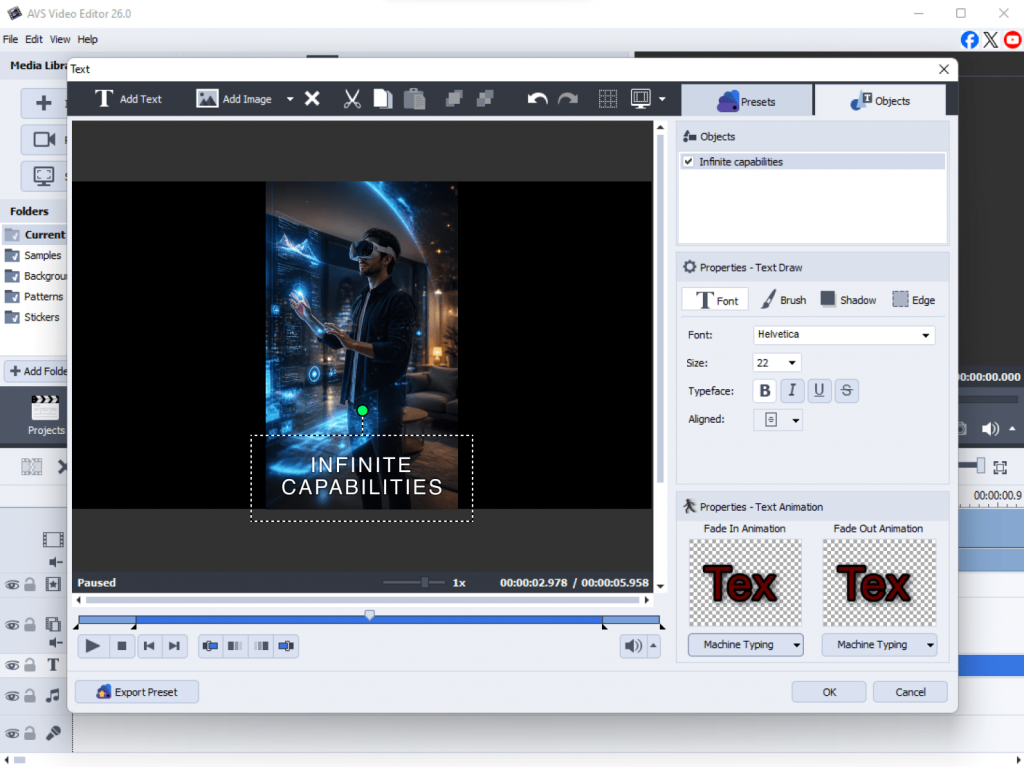
Many people watch videos with the sound off, especially while scrolling in public, commuting or working. So your videos need to make sense even without any audio. Consequently, captions have grown from a simple accessibility feature into a core design element of modern video.
Why it matters: Captions widen your reach, boost watch time, and make your content inclusive for everyone. Dynamic, well-styled text ensures your message comes across clearly, even on mute.
Quick example: A product demo uses bold, animated captions and on-screen callouts to highlight each key feature. Even with the sound off, a viewer scrolling past instantly understands what the product does and what it offers. Matching your caption timing to the speaker’s rhythm makes the whole clip lively and natural.
Tools to try:
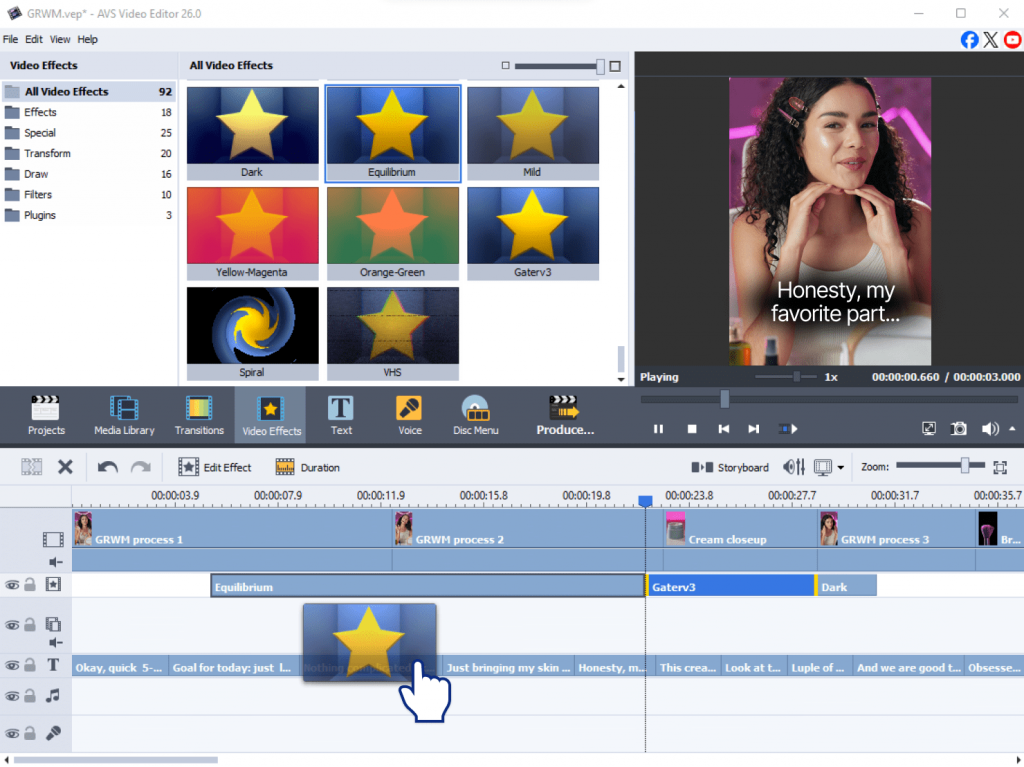
AVS Video Editor — best for adding and styling clear, readable captions with minimal setup.
Descript — best for automatic transcription and simple subtitle editing.
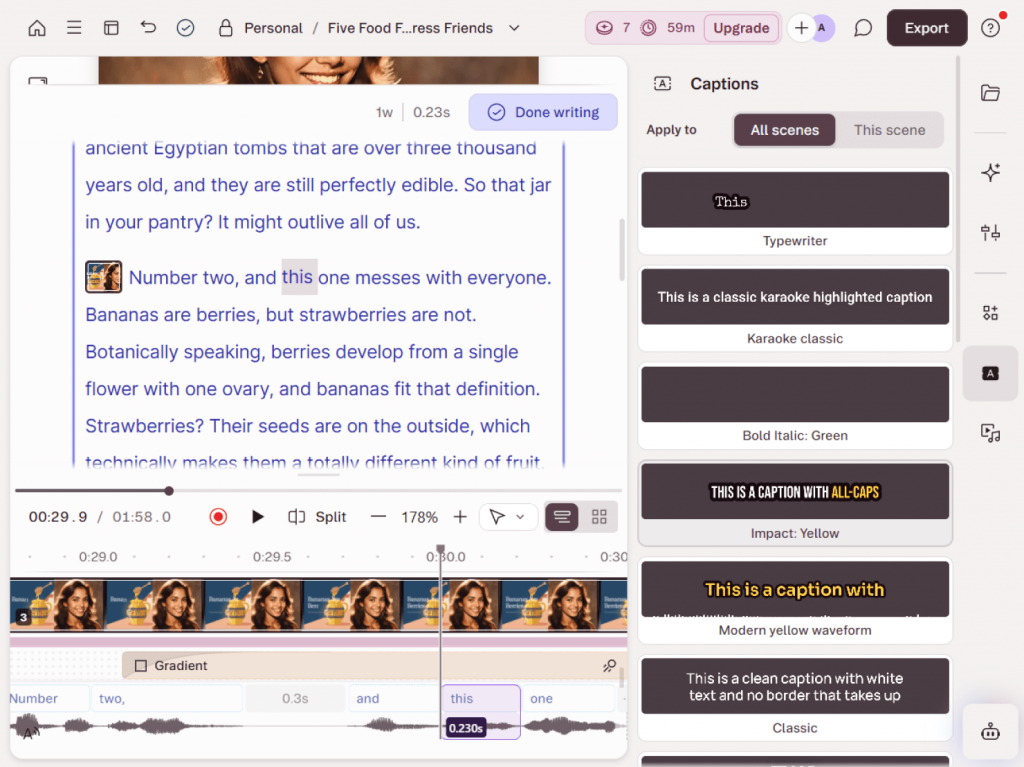
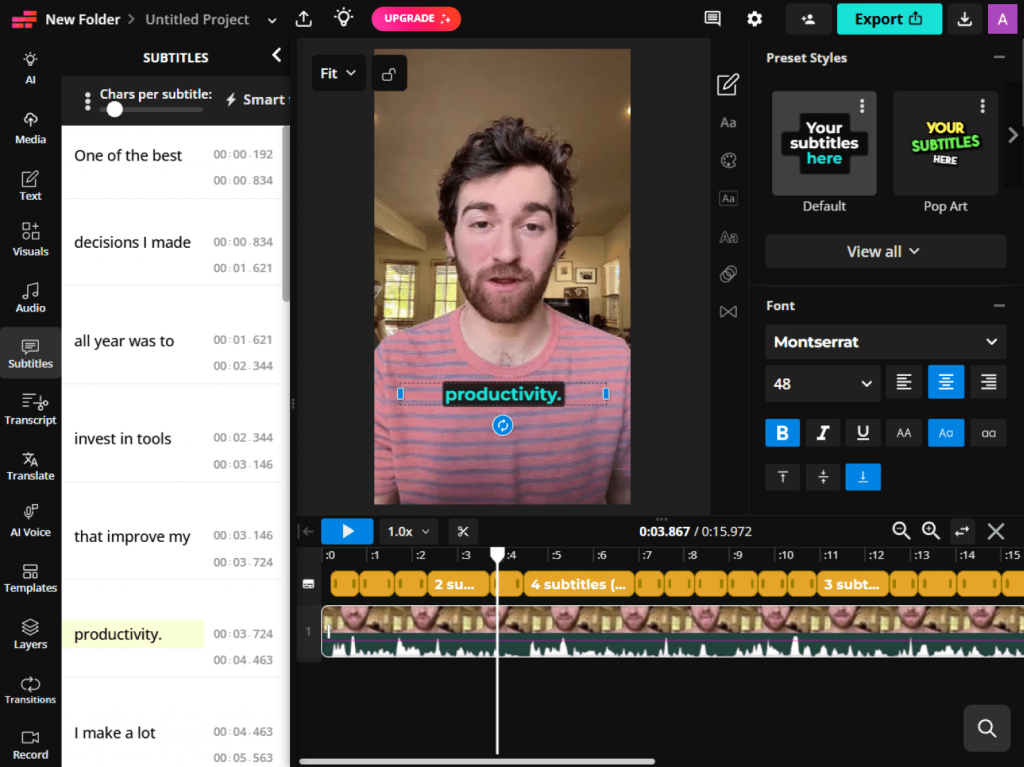
Kapwing — best for quick auto-captioning right in browser.
Trend 4. Authentic, creator-style storytelling
Audiences are tired of hyper-polished, heavily filtered content. They want something real. Authentic storytelling focuses on raw, personal moments rather than perfect production value. As a result, it builds a much stronger connection with viewers.
Why it matters: When viewers feel like they’re seeing the real you, they trust you more and stick around longer. With minimal filters and natural pacing videos appear personal and genuine.
Quick example: The creator films a casual review, keeping natural pauses and quick cuts in the frame instead of hiding minor imperfections. The visuals retain natural colors, with only light color correction applied. It feels as though a friend is talking to you personally—a format that works exceptionally well on YouTube and TikTok.
Tools to try:
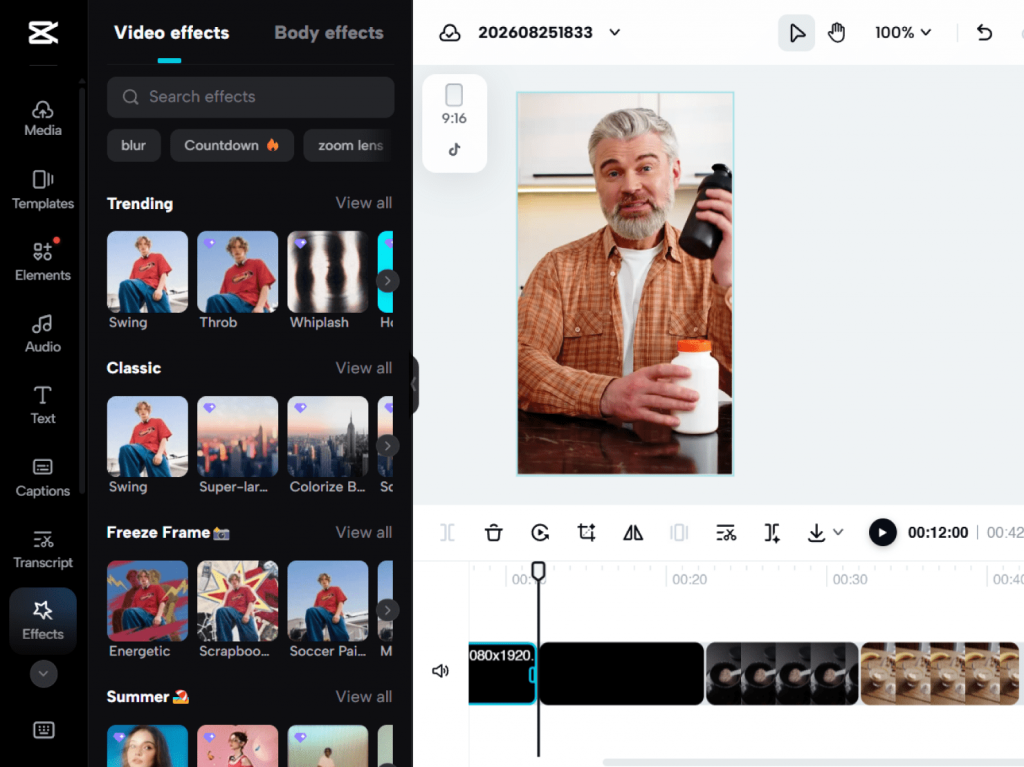
CapCut — best for quick-cut editing that fits the style of social platforms.
AVS Video Editor — a great pick for light, true-to-life color correction and simple trims that preserve the natural look of your footage.
iMovie — best for fast, no-fuss edits on Mac and iPhone when you want a simple editing experience.
Trend 5. Faster production for high-resolution content
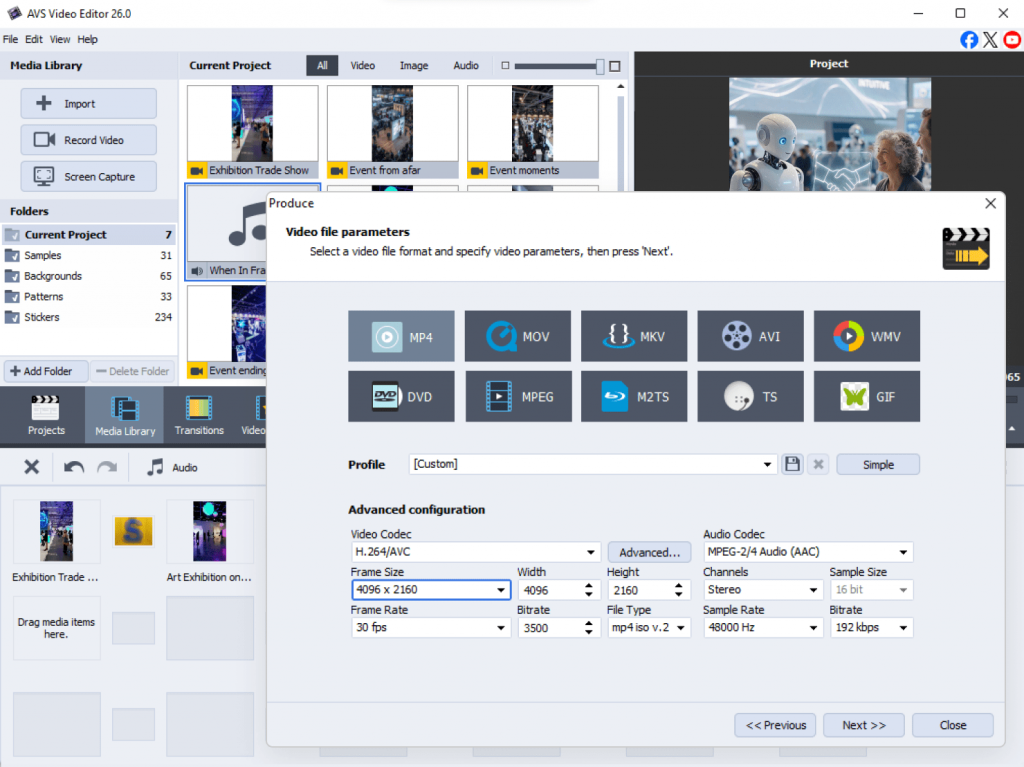
As camera technology improves every year, 4K and 8K footage gives content creators incredible flexibility to crop and reframe shots. But those massive files can seriously slow down your computer. Today’s workflows are built to support high-resolution video without the lag.
Why it matters: A smooth workflow means less waiting, fewer crashes, and more time creating. Proxy editing and hardware acceleration let even a modest computer process big files with ease.
Quick example: Are you shooting an event in 4K but experiencing choppy playback while working on the timeline? If so, you should switch to proxy editing: the system creates lightweight copies of the source footage for smooth performance and automatically swaps them back to the original high-quality files before export. You can even start a rough cut on your smartphone while on the go, sync the project via the cloud, and then perform color grading and audio processing on a desktop computer.
Tools to try:
AVS Video Editor — best for lightweight, stable editing that processes high-resolution files quickly on PC.
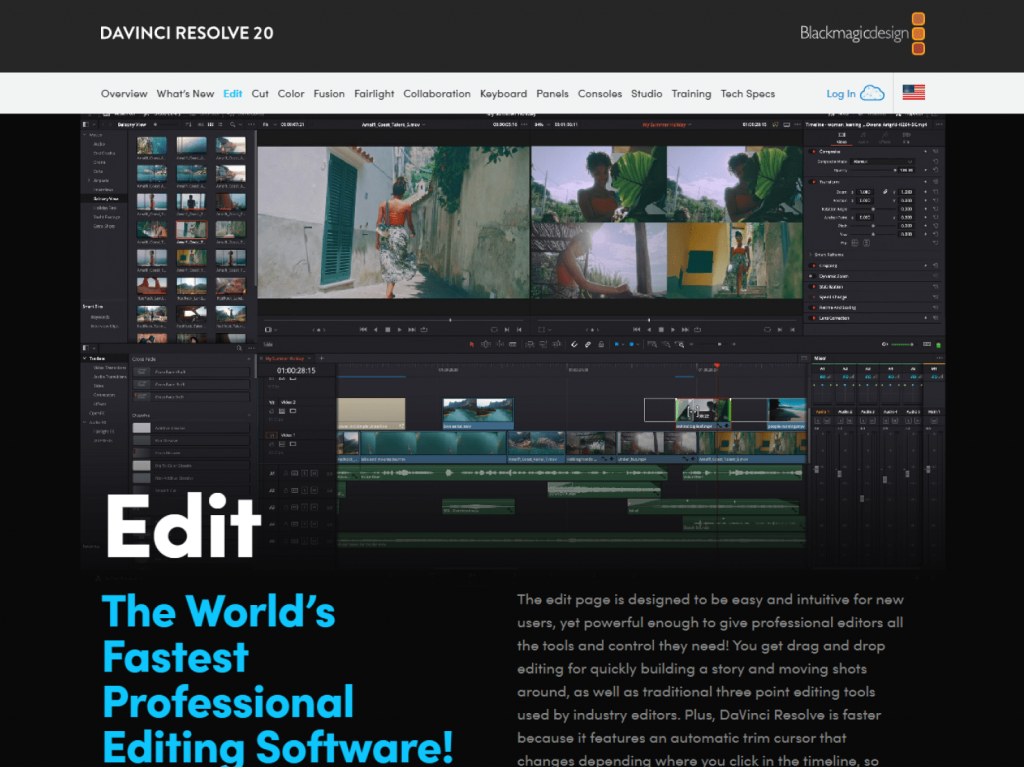
DaVinci Resolve — good for powerful proxy editing and advanced color correction on bigger projects.
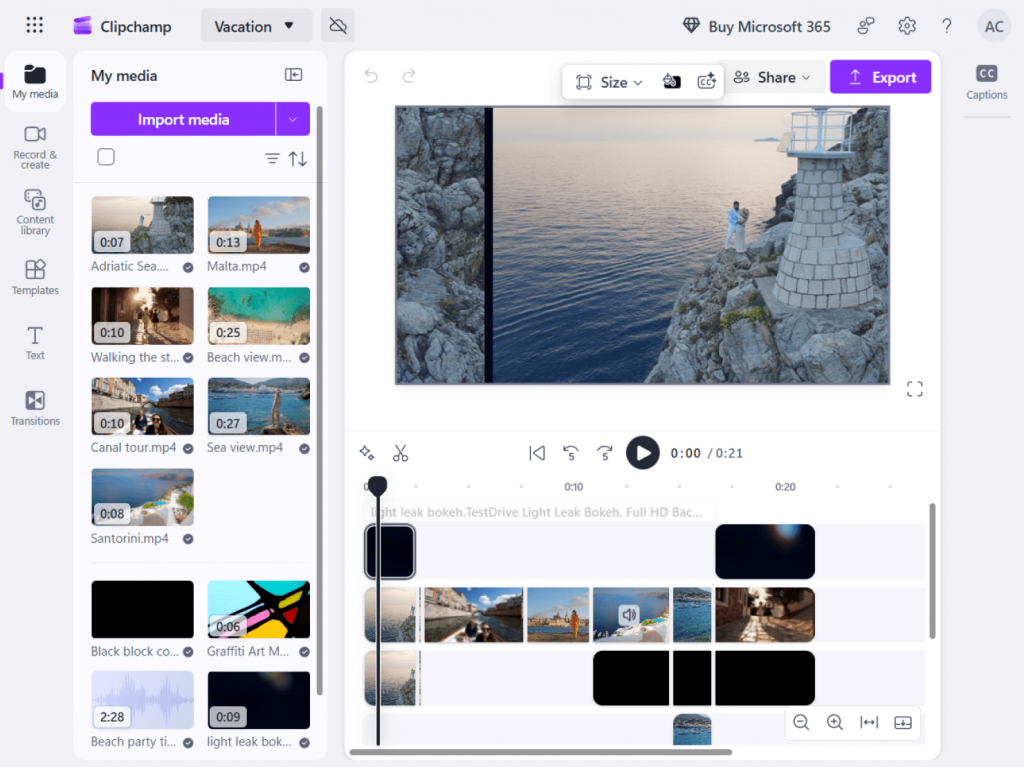
Clipchamp — perfect for simple, browser-based edits for those who want to avoid heavy downloads.
Quick tips to stay on trend
You don’t need to master everything at once. Use this friendly checklist to guide your next project:
- Plan each video around one clear goal before you start.
- Edit for mobile viewing first, since that’s where most people watch.
- Add captions to every video for silent watchers.
- Keep short-form clips punchy and fast-paced.
- Let AI automate the boring tasks such as audio cleanup and silence removal.
- Keep your videos natural with light color correction instead of heavy filters.
- Use presets and templates to save time and effort.
- Pick one new trend to try first, rather than overhauling everything.
Small, steady changes gradually create a modern, polished style.
Common mistakes to avoid
Even great creators make mistakes. Steer clear of these common pitfalls to maintain high video quality:
- Chasing every trend instead of picking the ones that fit your brand.
- Ignoring vertical and mobile formats, which decreases your reach.
- Over-polishing your footage until it becomes stiff and impersonal.
- Forgetting captions and accessibility, which locks out silent watchers.
- Struggling with heavy 4K files instead of using proxy editing to stay smooth.
- Skipping a clear call to action, so viewers don’t know what to do next.
Overcoming these challenges helps you embrace new trends without losing your own style.
Key takeaways
Video editing trends reflect the changing reality of content creation. Keeping up with them helps filmmakers respond to new viewing habits, work more efficiently, and stay competitive. The creators standing out aren’t necessarily the most talented, but the most adaptable. They use AI to cut the busywork, create with mobile viewers in mind, keep their footage authentic, and make sure every video makes sense without sound.
And you don’t need to be a pro to get there. AVS Video Editor brings most of these trends together in one beginner-friendly place — intuitive, lightweight, and ready to handle everything from captions to high-resolution exports. When you need something more specialized, Descript and CapCut have you covered.
Pick one trend such as captions, vertical format, a quick AI cleanup and try it on your next video. That’s a simple way to get started.
Your next video could look sharper, reach more people, and take half the time to edit. Ready to jump in? Try AVS Video Editor today and bring these trends into your very next video.