



The end of the year is the busiest and brightest season. For creators, it is time to connect with viewers through cozy family videos, festive ads, New Year greetings and social media highlights. To make your projects shine, you need a complete creator kit that helps you produce professional-looking videos quickly and easily. Although there are plenty of online and offline tools, usually they handle a limited number of multimedia tasks. If you want to find cost-effective software without switching between multiple apps, AVS4YOU Multimedia Suite is a reliable solution. It gives you everything you need to edit, refine, and share stunning content, whatever your skill level is.
To make things even more easier and affordable, you can now get 30% off AVS4YOU Unlimited Subscription during the holidays! Find a special promotional coupon at the end of the article.
Plan your celebratory content
Before you dive into editing, take a moment to plan your content strategy. The celebrations move fast, and preparation is key to keeping your creative energy organized.
First of all, ask yourself the following questions:
What kind of content resonates most with your audience?
Which platforms will you focus on — YouTube, Instagram, TikTok, or all of them?
What visuals and sounds capture the festive spirit?
Here are a few festivity-inspired content ideas to spark inspiration:
- Countdown videos or “12 Days of Advent” challenges.
- Gift guides and product showcases.
- Behind-the-scenes clips of your creative or business process.
- Personal greeting videos or slideshows for followers and clients.
Once you’ve outlined your vision, AVS4YOU’s tools will help you bring them to life efficiently and beautifully.
Create eye-catching videos
Nothing conveys the holiday spirit like video. With AVS Video Editor, you can turn your footage into a magic story filled with color, music, and emotion.
Here are video effects and tools that work especially well for creating Christmas-themed videos, along with ideas on how to use them:
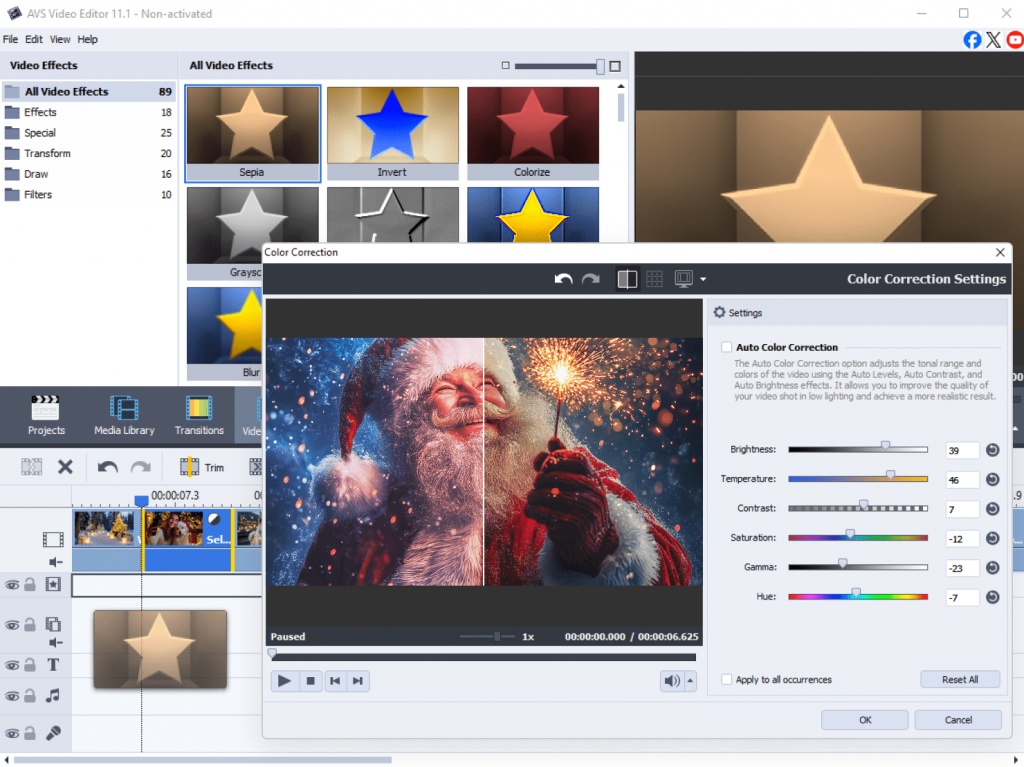
1. Color and lighting effects
Create a warm, cozy, or lively atmosphere.
- Warm Filter / Sepia / Soft Light – give footage a nostalgic glow.
- Brightness and Contrast / Gamma Correction – enhance twinkling lights or snowy scenes.
- White Balance – cool down tones for a “winter frost” effect.
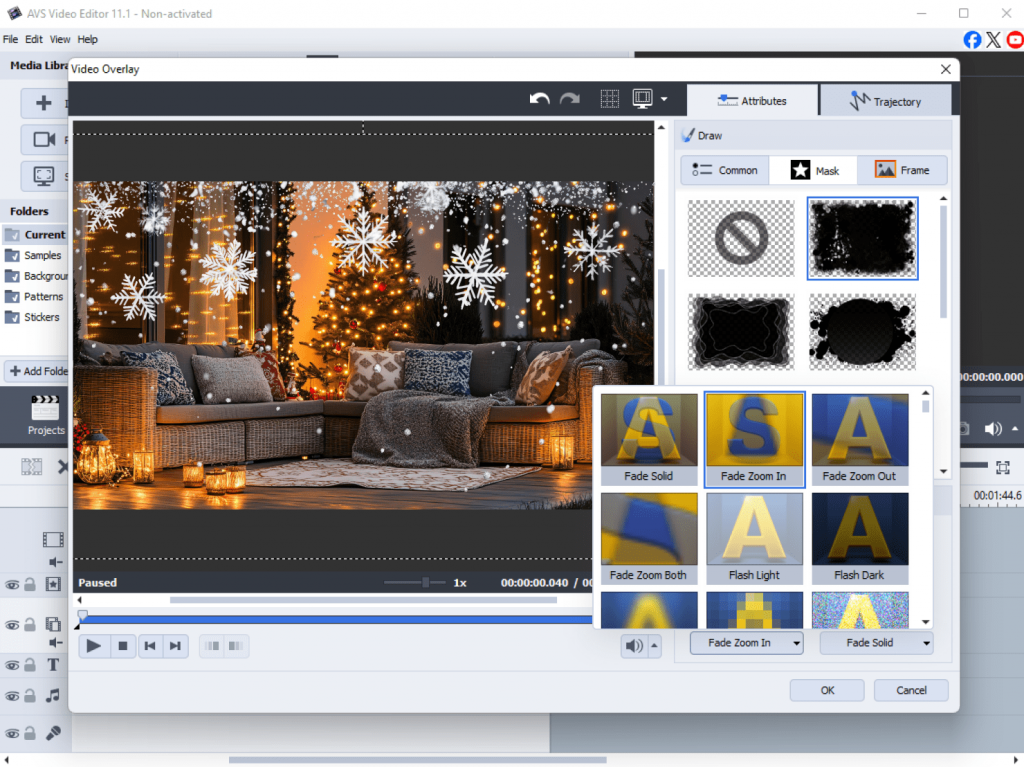
2. Overlay and particle effects
Add visual magic typical for Christmas.
- Snow Overlay – simulate falling snow (you can use built-in overlays or import a transparent snow video).
- Glow – imitate candlelight or Christmas tree sparkle.
- Warm glow – enhance the convival atmosphere with soft glowing circles.
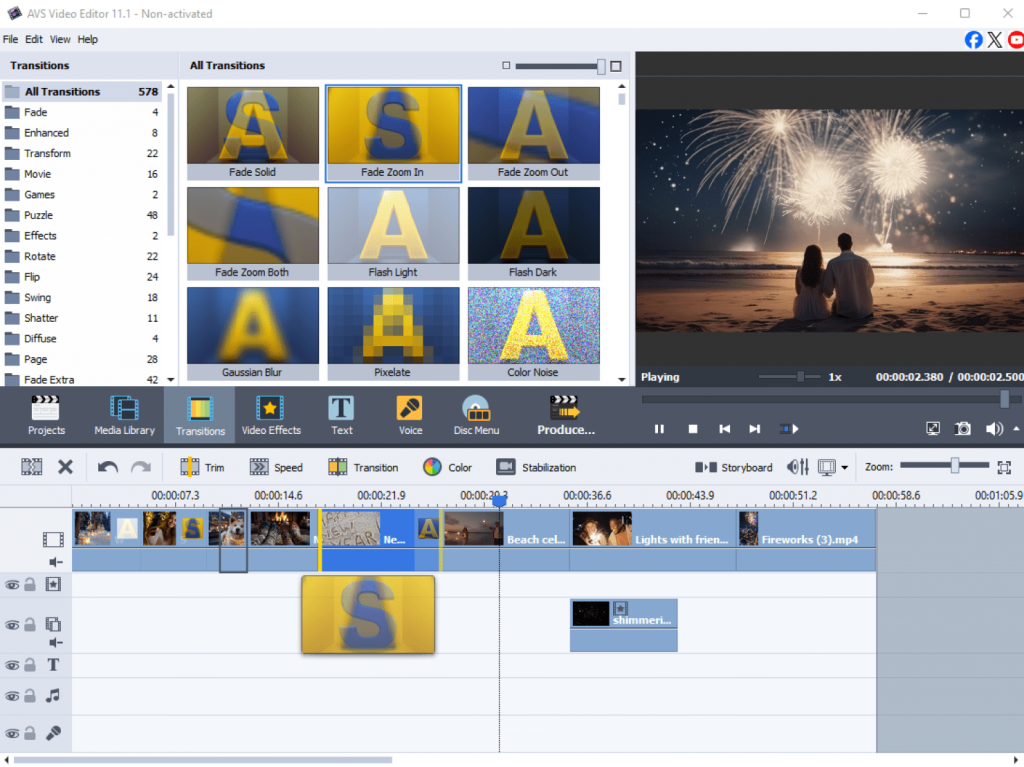
3. Transitions
Use themed transitions for smooth and decorative scene changes.
- Fade In/Out – works well for a gentle start or end.
- Wipe / Slide – imitate wrapping paper reveals.
- Puzzle / Mosaiccan be used creatively for a “gift reveal” or Advent-style effects.
- Clock – for more stylized or rhythmic transitions.
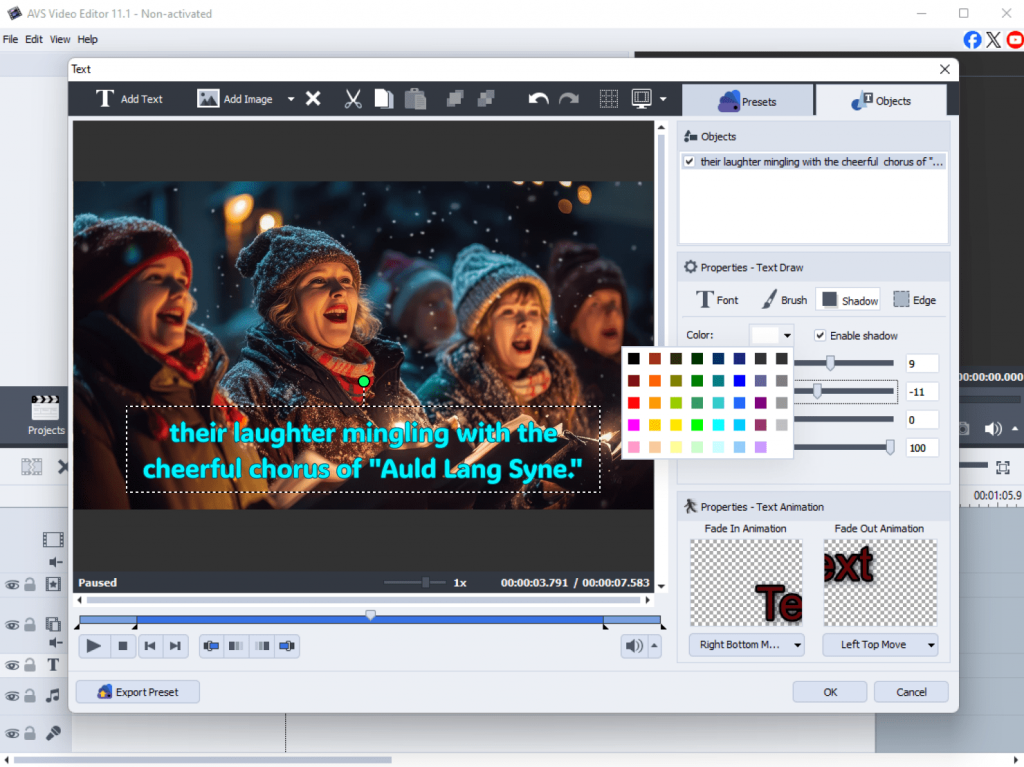
4. Text and titles
Make greeting messages or animated captions impressive.
- Add animated titles with glowing or sparkling text.
- Apply text shadow or glow for a frosty look.
5. Picture-in-Picture
Decorate your video with beautiful borders or compositions.
- Insert photo frames with garlands, lights, or ornaments.
- Use PiP objects like bells, gifts, or snowmen (available in AVS4YOU library or add your own images in PNG).
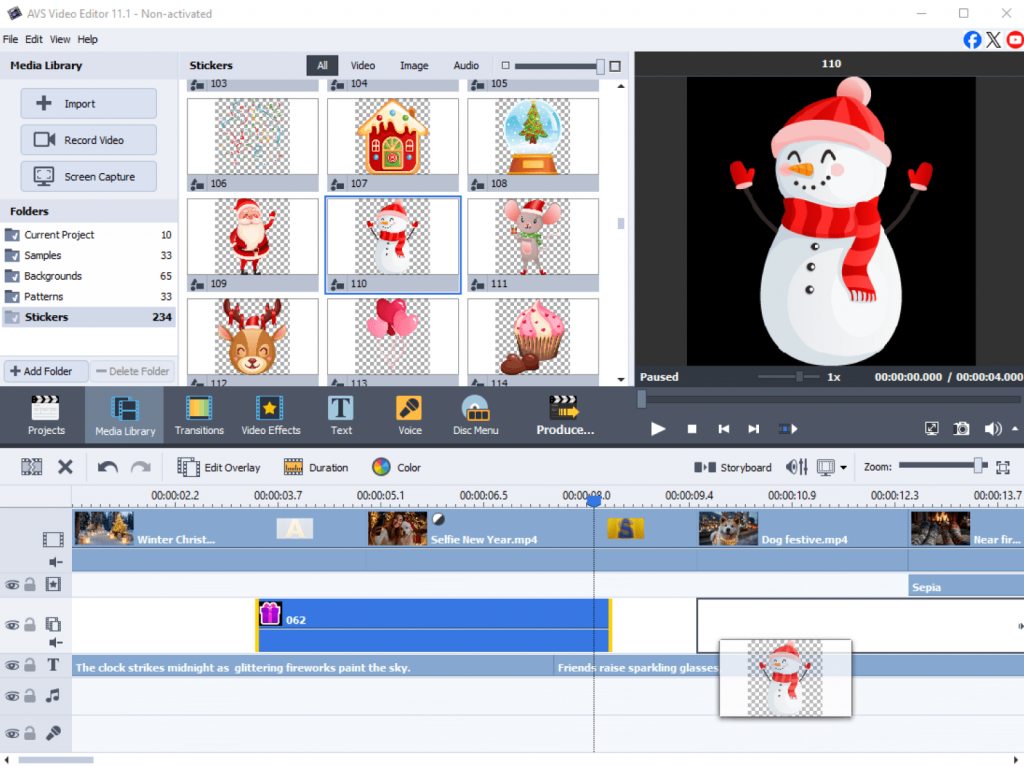
6. Motion and animation
Bring elements to life.
- Use Zoom & Pan (Ken Burns) for amazing photo slideshows.
- Add themed stickers (bells, snowflakes, sparkles).
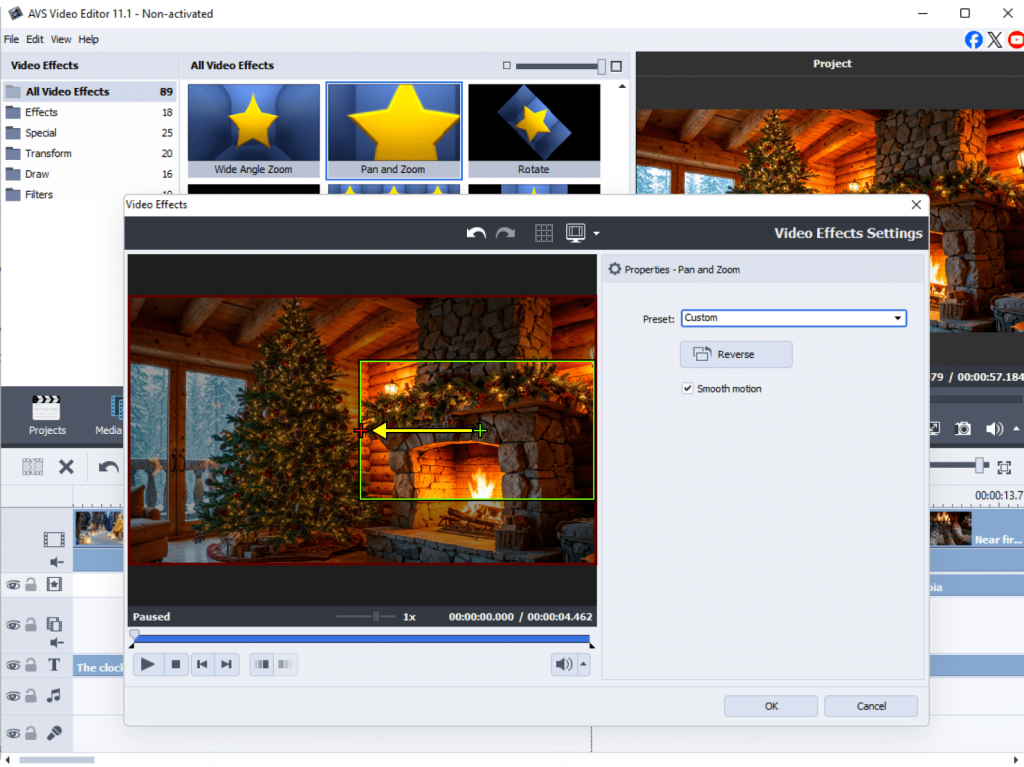
When your video is ready, export it in the right format for your target platform, for example, YouTube, Instagram Reels, or TikTok. If you need to adjust resolution, aspect ratio, and size without compromising quality, use AVS Video Converter instead of AVS Video Editor.
Refine your audio
Adding a jolly soundtrack will enhance the overall cheerful tone of your promotional video, podcast episode, or a seasonal greeting.
Use AVS Audio Editor to:
- Clean up background noise for a crisp sound.
- Mix tracks or blend voiceovers with music.
- Add effects like reverb or echo for warmth and depth.
- Create your own jingles using royalty-free tracks and upbeat samples.
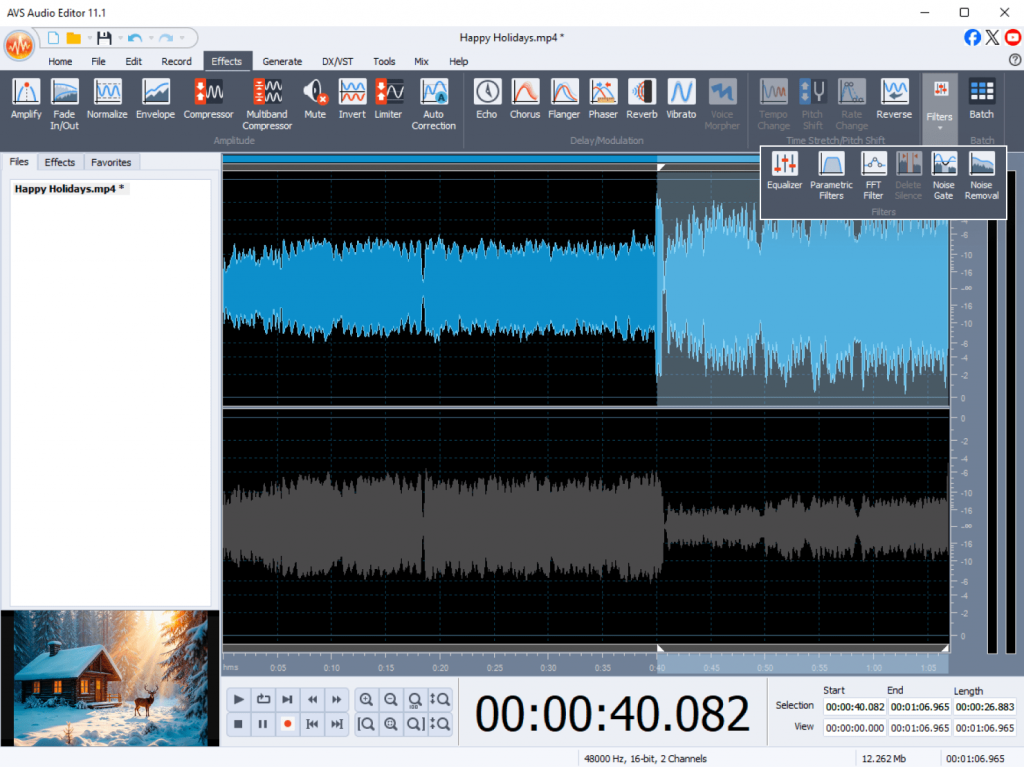
Pro tip: add subtle sound effects such as bells or snow falling to create a special atmosphere.
Design and enhance visuals
Transform ordinary photos into seasonal highlights
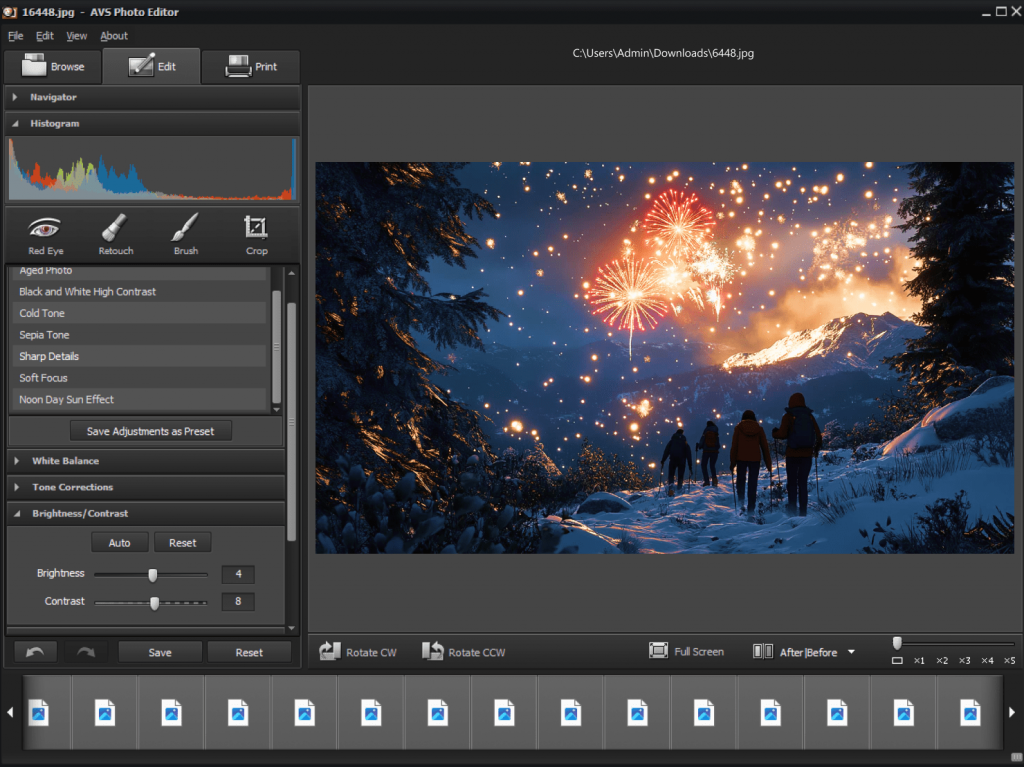
Your visuals set the mood before your audience even hits “play.” With AVS Photo Editor, you can make every image look mesmerizing and flawless.
Use it to:
- Adjust brightness and contrast for cozy tones.
- Apply creative filters to give photos a winter touch.
- Add frames, stickers, or text overlays for social posts.
- Create cohesive thumbnails and cover images for your holiday campaign.
Batch-edit your photos in AVS Image Converter
Quickly resize, rotate, and convert hundreds of photos taken during wintertime. Apply filters or watermarks before sharing them online or creating a digital album.
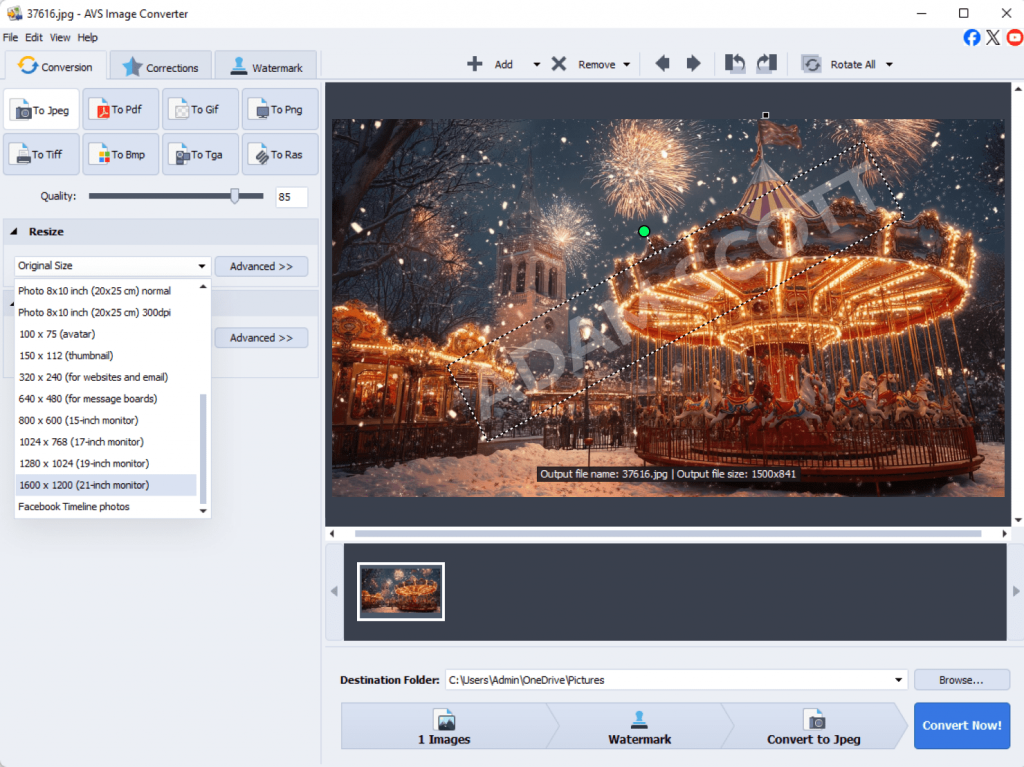
If you’re making a slideshow or digital card, use AVS Video Editor to combine your photos with transitions and background music. It is a perfect way to share memories or send greetings.
A quick look at alternative options
While AVS4YOU provides a complete set of multimedia tools in one suite, here are a few alternatives worth mentioning:
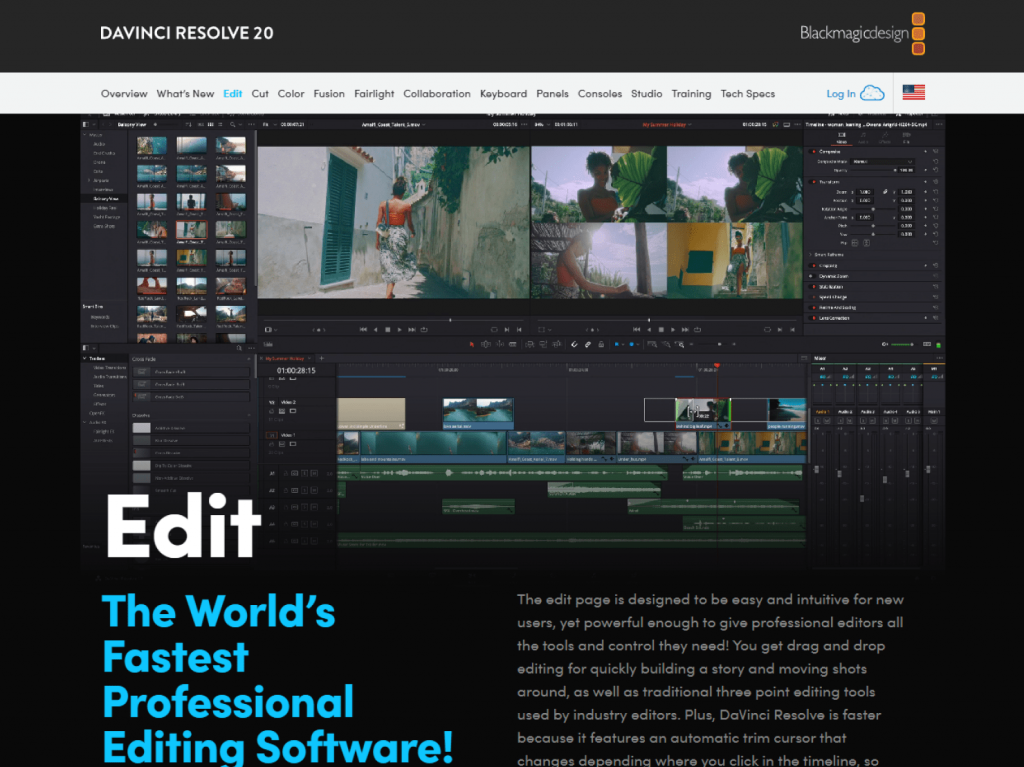
DaVinci Resolve (Free & Paid Versions)
A free version of this professional-grade video editor is incredibly robust, offering Hollywood-level color correction and audio post-production. The learning curve is steeper, making it better for creators who are ready to dive deep into advanced editing.
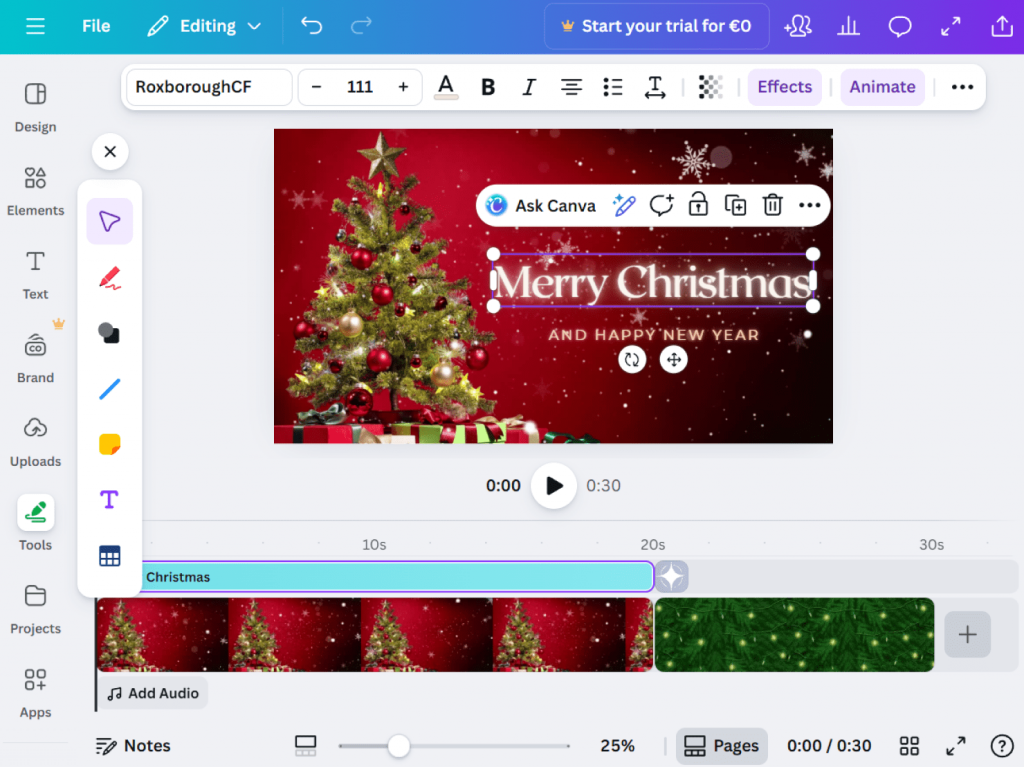
Canva (Free & Paid Versions)
This graphic design platform suits best creators focused on static graphics and quick social media videos. Canva is unbeatable for designing bright YouTube thumbnails, Instagram stories, and digital cards with its drag-and-drop interface and vast template library.
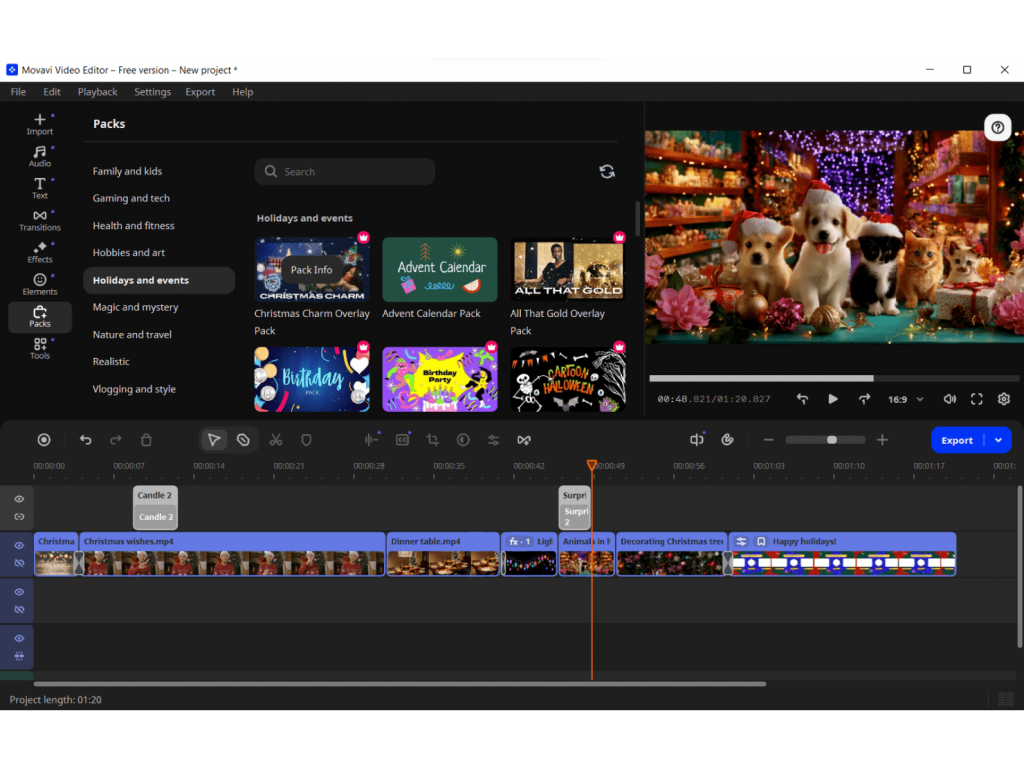
Movavi Video Suite has similar all-in-one capabilities for video, audio, and photo editing, but requires separate licenses for some tools.
Filmora is a user-friendly video editor with a large library of effects and templates, though it lacks integrated audio and photo editing features.
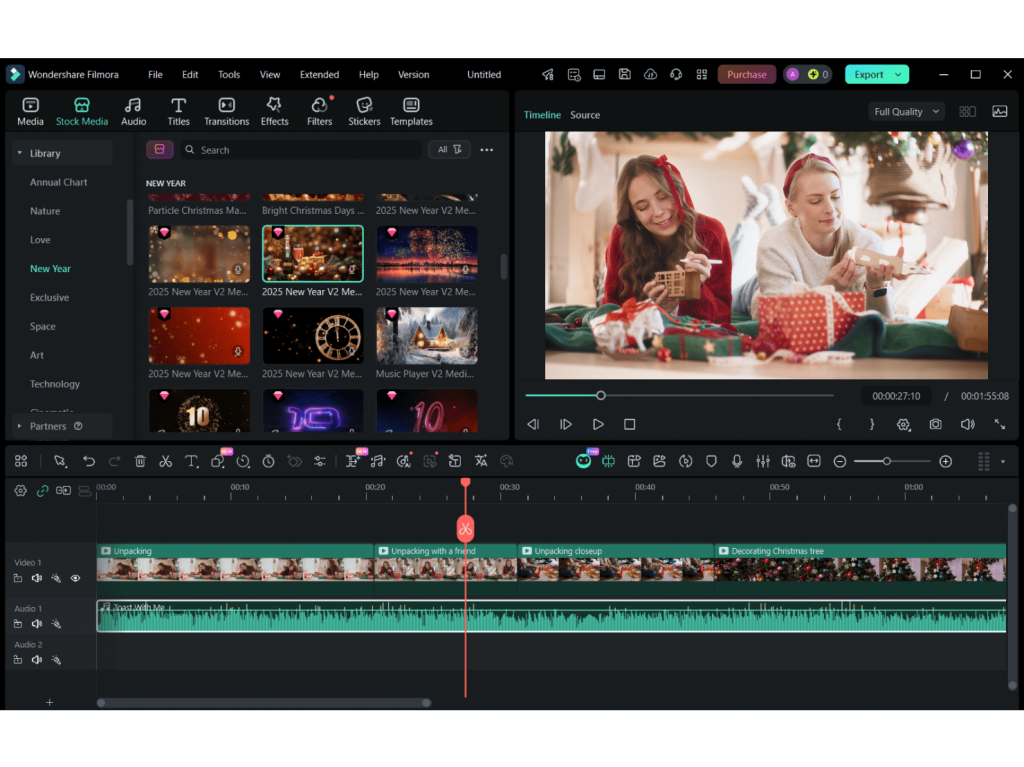
These programs have their strengths, but AVS4YOU stands out for combining five multimedia programs in one, offering simplicity, flexibility, and excellent value.
Final touch: Make this holiday season shine
This winter, you’re not just a participant; you’re the director of your own festive special. With a well-thoughtplan and a powerful toolkit such as AVS4YOU Multimedia Suite at your fingertips, you’re all set to create content that will be cherished long after the last decorative elements are packed away.
Ready to create your own masterpiece? Explore versatile AVS4YOU software and create stunning projects with ease.
Get 30% off the AVS4YOU Unlimited Subscription to make the end of the year even brighter