



In our digital era workdays are filled with hundreds of notifications, meetings, switching between tools, and constant multitasking. Without the right digital tools, simple tasks take more time and efficiency drops.
The good news is that the right mix of apps can simplify daily workflows, optimize manual effort, and help teams keep on track. This post breaks down the main categories of tools that make workdays easier from communication apps and project management systems to time management software, file management solutions, AI platforms, and multimedia software.
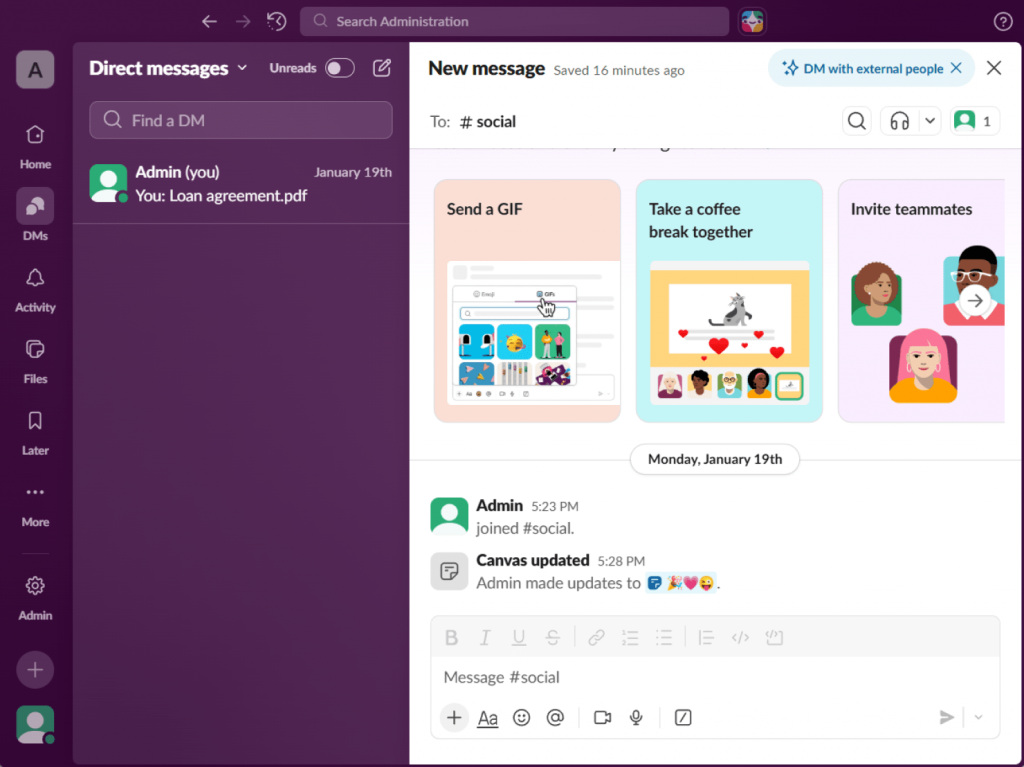
Communication and collaboration apps
Software for improving communication and collaboration lets reduce email overload, centralize conversations, and support asynchronous work. When teams use it correctly, they shorten decision cycles and eliminate unnecessary meetings.
Popular Tools
| Tool | Free Plan | Best For | Core Purpose |
| Slack | Yes | Team messaging | Channel-based communication |
| Microsoft Teams | Yes | Corporate teams | Chat + meetings + file sharing |
| Zoom | Yes | Video meetings | Remote calls and webinars |
| Google Meet | Yes | Quick meetings | Browser-based video calls |
How these tools simplify work:
- Keep discussions organized by channels and topics
- Support async communication across time zones
- Decrease inbox clutter
- Shorten feedback time
Task, project, and document management systems
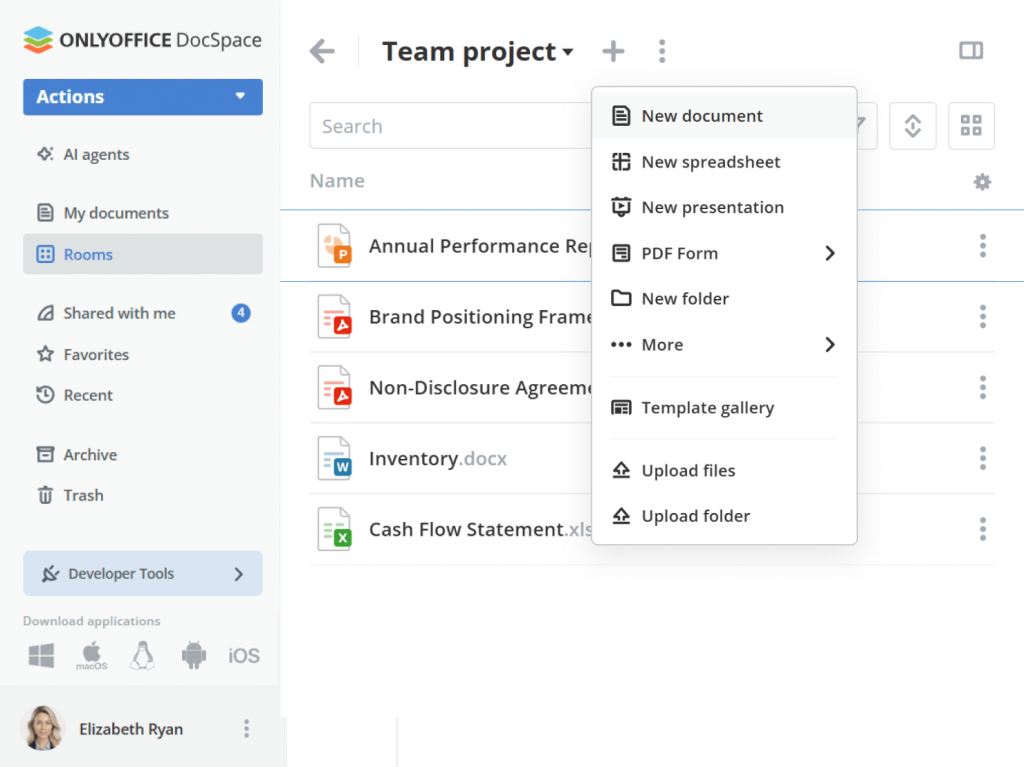
Task and project management tools allow teams to organize workloads, track progress, and avoid missed deadlines. With document management software teams can create, share, and effectively collaborate on files.
Recommended platforms
| Tool | Free vs Paid | Complexity Level | Ideal Team Type |
| ONLYOFFICE | Free + Paid | Medium | Document-focused teams |
| Trello | Free + Paid | Low | Small teams, visual planners |
| Asana | Free + Paid | Medium | Growing teams |
| ClickUp | Free + Paid | High | Complex workflows |
Why these tools matter:
- Centralize tasks and project updates
- Improve accountability
- Eliminate manual status updates
- Simplify document collaboration
Time management tools
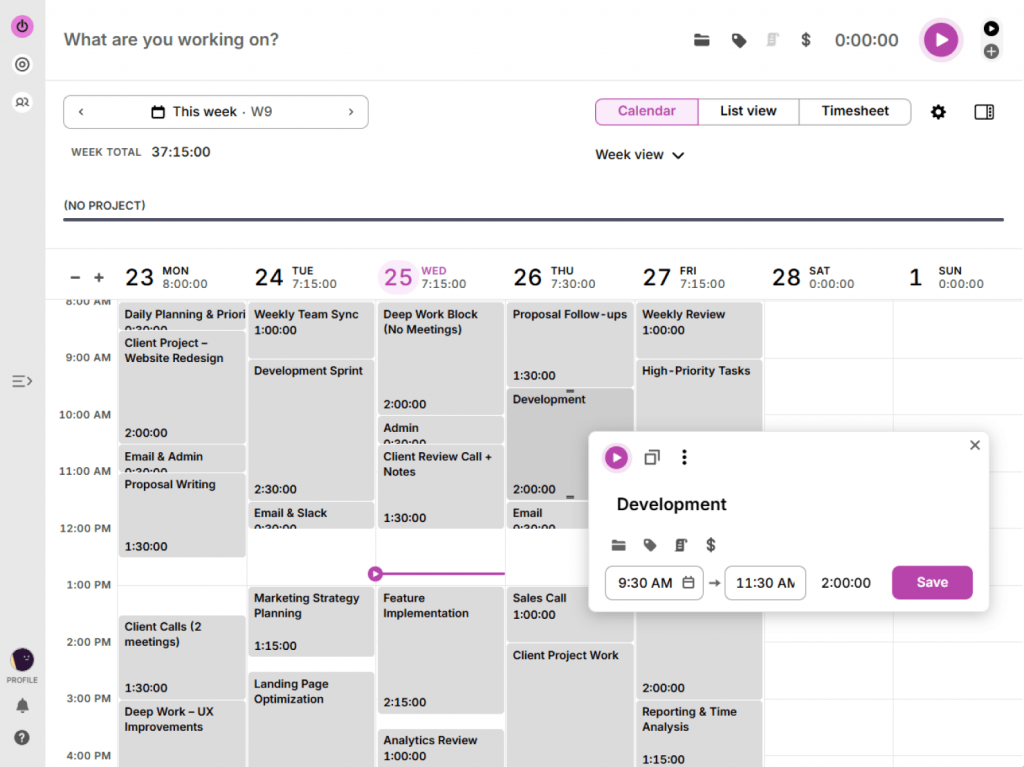
The role of time management software is to keep users focused on priorities, create healthy work rhythms, and minimize multitasking fatigue. They also provide insights into how time is actually spent.
Popular Time Tracking Solutions
| Tool | Individual or Team | Free / Paid | Automation Level |
| Toggl Track | Both | Free + Paid | Medium |
| Clockify | Both | Free + Paid | Medium |
| RescueTime | Individual | Paid | High |
| Motion | Team | Paid | High |
Benefits for daily work:
- Identify time-wasting activities
- Improve task prioritization
- Automate scheduling
- Reduce distractions during work
File and content management solutions
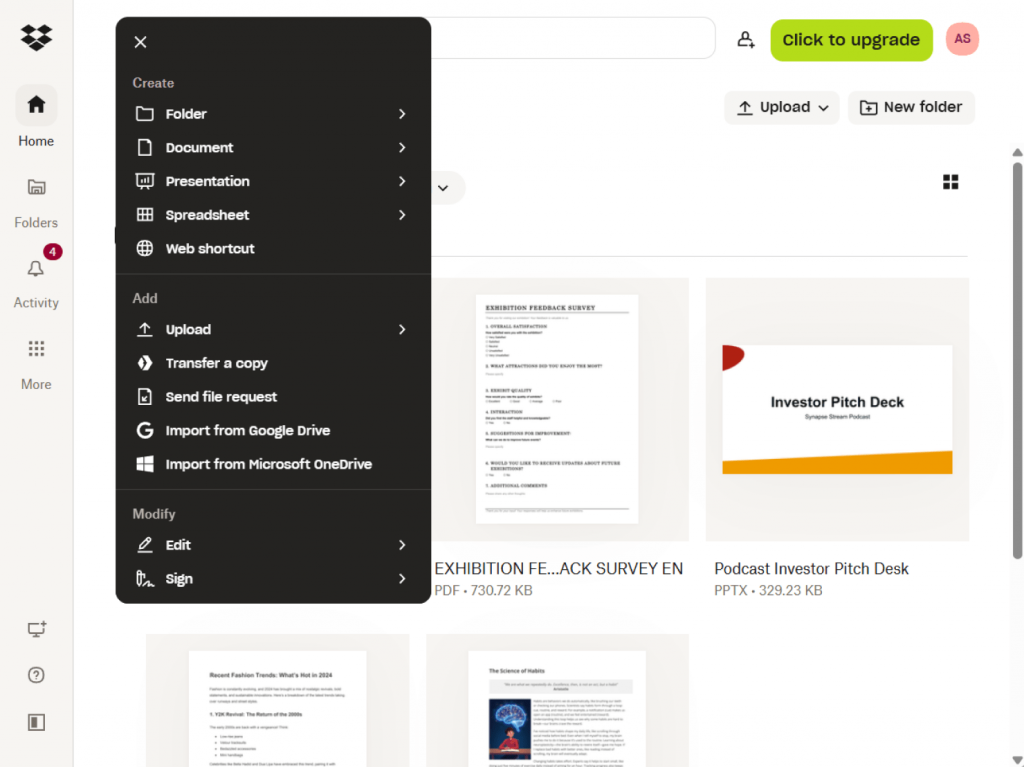
File and content management systems store all documents in one place, simplify sharing, prevent version conflicts, improve access control, strengthen data security, speed up collaboration, and make file retrieval faster.
Common platforms
| Tool | Collaboration Features | Free Tier | Best Use Case |
| Google Drive | Strong | Yes | Cloud-first teams |
| Dropbox | Medium | Yes | External file sharing |
| OneDrive | Strong | Yes | Microsoft ecosystem |
| ONLYOFFICE | Strong | Yes | Secure team collaboration |
How they improve workflows:
- Prevent duplicate files
- Enable real-time collaboration
- Simplify access control
- Improve version tracking
AI tools that simplify daily work
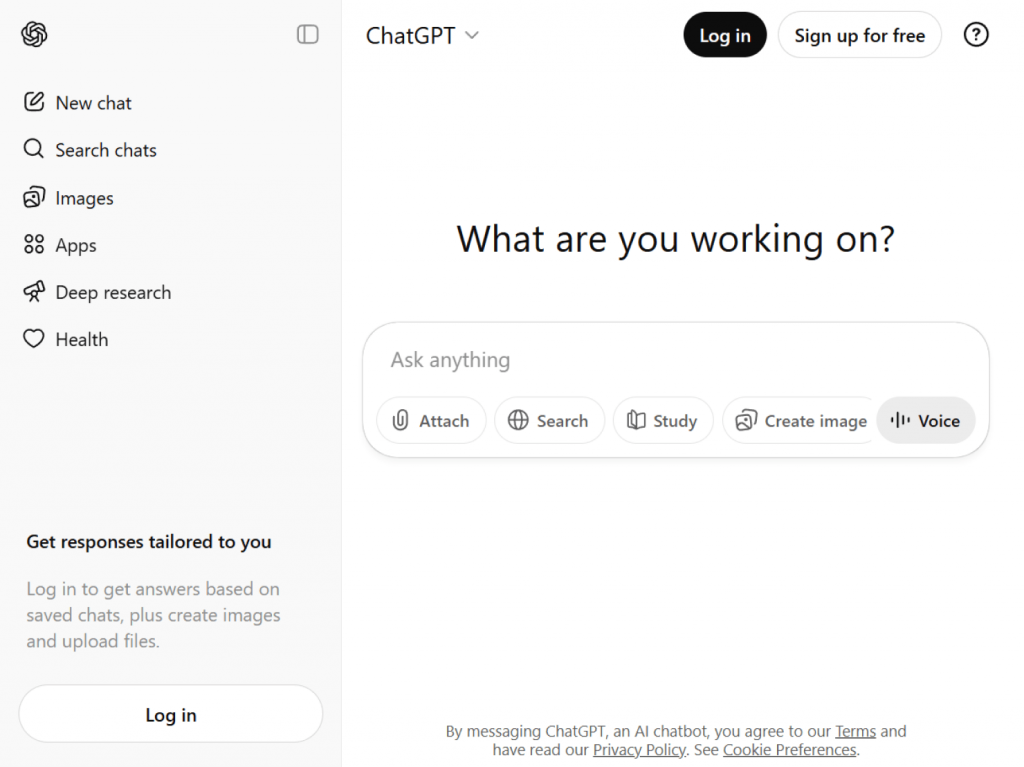
AI tools like ChatGPT and similar platforms reduce repetitive tasks, automate admin work, and speed up content processing. AI assistants are also widely used in education and e-learning for summarization and research support.
Popular AI platforms
| Tool | Complexity Level | Team Size Fit | When Paid Plans Make Sense |
| ChatGPT | Basic → Advanced | All sizes | Heavy usage and API access |
| Claude | Medium | Small teams | Long document analysis |
| Gemini | Medium | Google users | Workspace integration |
| Zapier | Advanced | Teams | Workflow automation |
Typical use cases:
- Writing summaries and reports
- Automating routine tasks
- Planning automated processes
- Processing large text volumes
Multimedia and content creation software
Visual content plays a growing role in onboarding, training, and internal communication. Good video editing software and image tools empower teams to replace long manuals with short tutorials and clear visuals.
Video editing and creation programs
These solutions allow teams to create screen tutorials, onboarding videos, and training materials.
Recommended software:
| Software | Best for | Key strengths | Platforms |
| AVS Video Editor | Simple everyday editing | Easy timeline, effects, export presets, powered with AI | Windows |
| Clipchamp | Fast online video creation | Templates, stock media, browser-based | Web, Windows |
| Shotcut | Intermediate video editing | Advanced filters, format support, no watermark | Windows, macOS, Linux |
How video tools enhance work:
- Replace written guides with visual instructions
- Improve knowledge sharing
- Speed up training creation
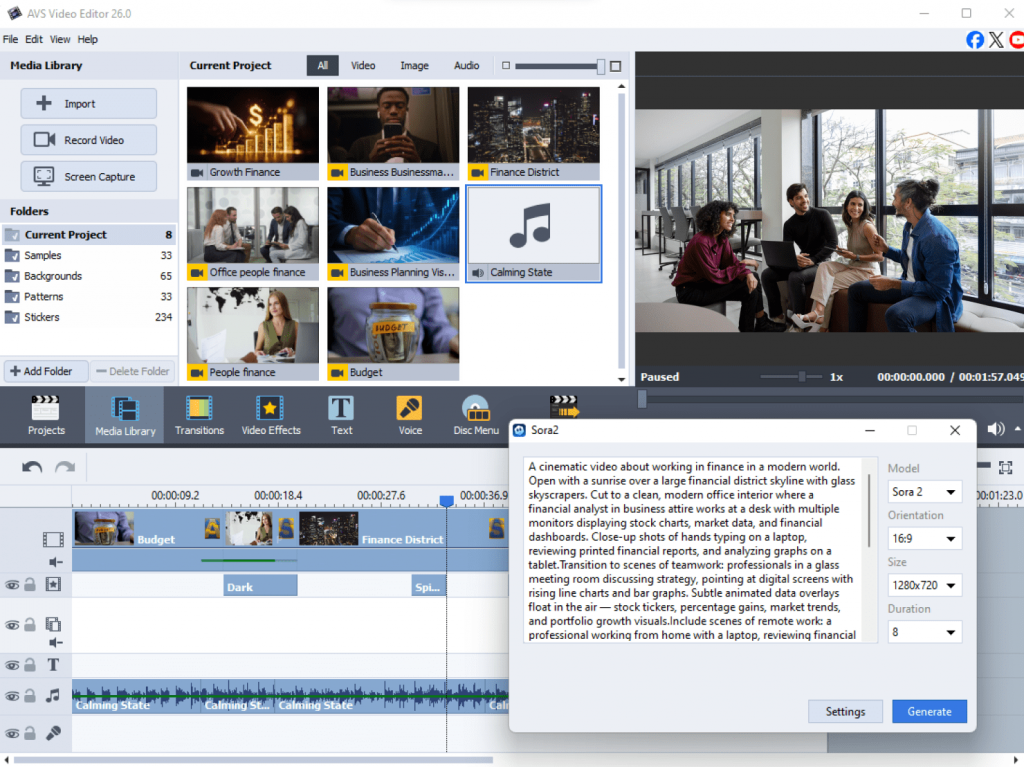
Image editing and asset preparation solutions
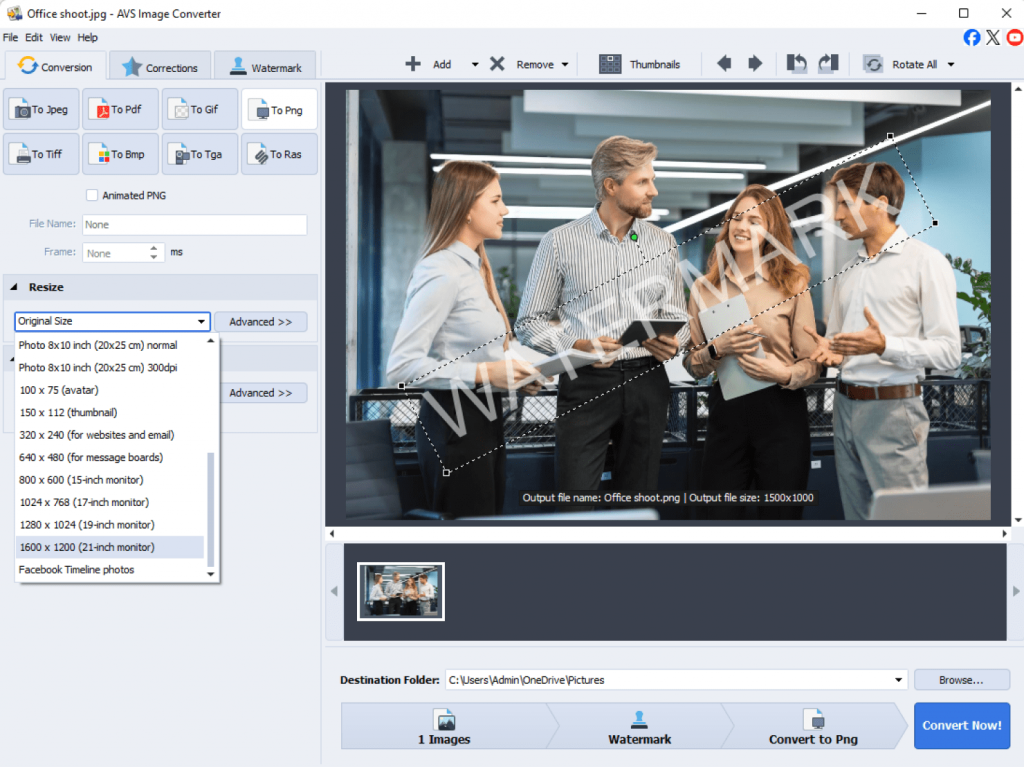
Teams often need visuals for presentations, documentation, and marketing materials. Specialized image software simplifies resizing, conversion, and formatting.
Popular solutions:
| Software | Best for | Key strengths | Platforms |
| AVS Image Converter | Batch image conversion | Format support, resizing, watermarking, AI image effects | Windows |
| Canva | Quick graphic design | Templates, drag-and-drop editor, online use | Web, Windows, macOS |
| GIMP | Advanced image editing | Layer tools, plugins, retouching features | Windows, macOS, Linux |
Benefits:
- Faster asset preparation
- Consistent branding
- Easy format conversion
Final thoughts
Simplify workflows with the right combination of tools
Simplifying your workday is not about installing more apps. It is about the right combination of tools that match your needs. When communication flows smoothly, tasks are well-organized, files are easy to find, and repetitive work is automated, teams spend less time managing processes and more time getting work done.
The most effective workspaces usually combine free and paid options based on real needs, not trends. What matters is how well everything fits your workflow and supports your daily routines.
What’s more, it is worth reviewing your digital stack regularly. As teams grow and priorities change, some apps become unnecessary while others can save hours each week. Small adjustments over time result in better productivity and make workdays simple and efficient.