



In the fast-paced digital world, content creation has become an essential skill for everyone, from small business owners and social media managers to bloggers and educators. High-quality visuals, engaging videos, and clear audio help build a professional image and keep audiences engaged. Yet, creating great content often requires combining multiple programs: one for editing videos, another for audio, and a third for converting files.
AVS4YOU Multimedia Suite stands out from competitors who offer only a single tool for each task. It’s an all-in-one software package designed for easy video and audio editing, screen recording, and file conversion. AVS4YOU provides everything you need to create and polish your content in one place. It handles various tasks such as preparing a YouTube video, a podcast episode, a video slideshow, demos and tutorials, and more.
This blog post will cover the top five ways to use AVS4YOU software for content creation with handy tips.
1. Edit videos for social media like a pro
Short, dynamic videos dominate social media, from Instagram Reels to YouTube Shorts and TikTok clips. With AVS Video Editor, creators easily turn raw footage into polished, shareable videos.
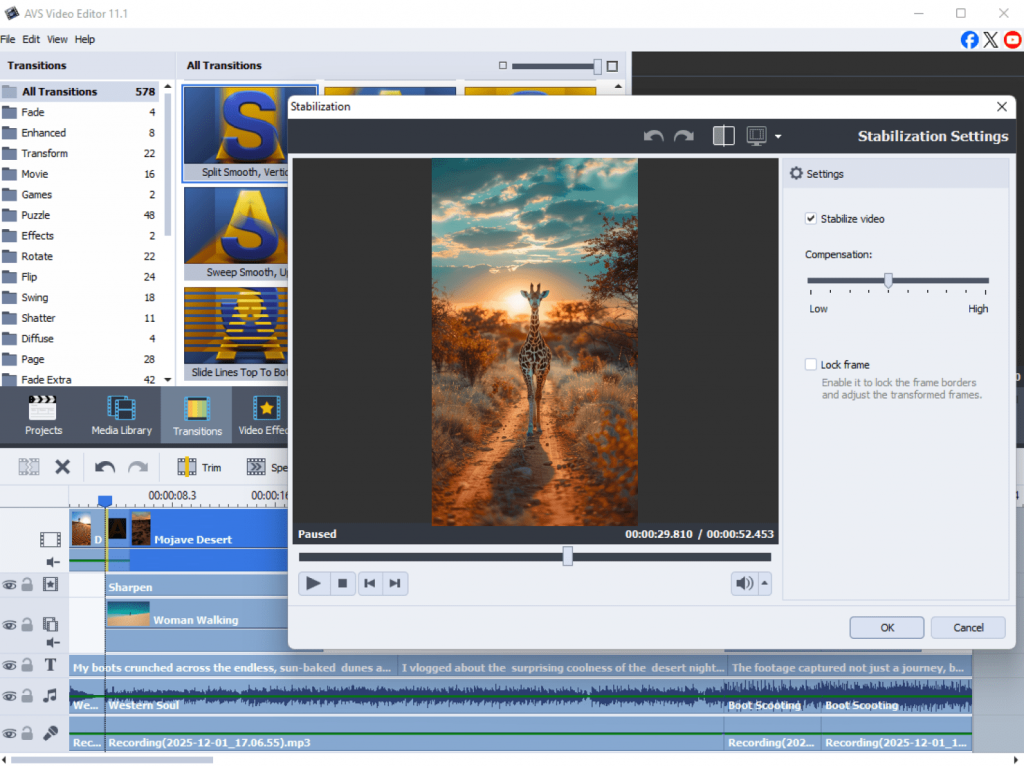
How to use it:
- Trim and merge clips to create smooth sequences.
- Add transitions, filters, and visual effects to produce captivating content.
- Insert captions or subtitles for accessibility and engagement.
- Export directly in formats optimized for social platforms MP4 or MOV.
Example:
A travel blogger is dedicated to compile short clips filmed during a trip. Add upbeat background music, insert text overlays, and share it on Instagram within minutes.
Pro tip: Use Video Stabilization to fix shaky footage and ensure a professional look.
2. Enhance audio and create podcasts
Good sound can make or break a project. For producing podcasts, YouTube voiceovers, or marketing videos, AVS Audio Editor and AVS Audio Converter offer powerful yet intuitive tools.
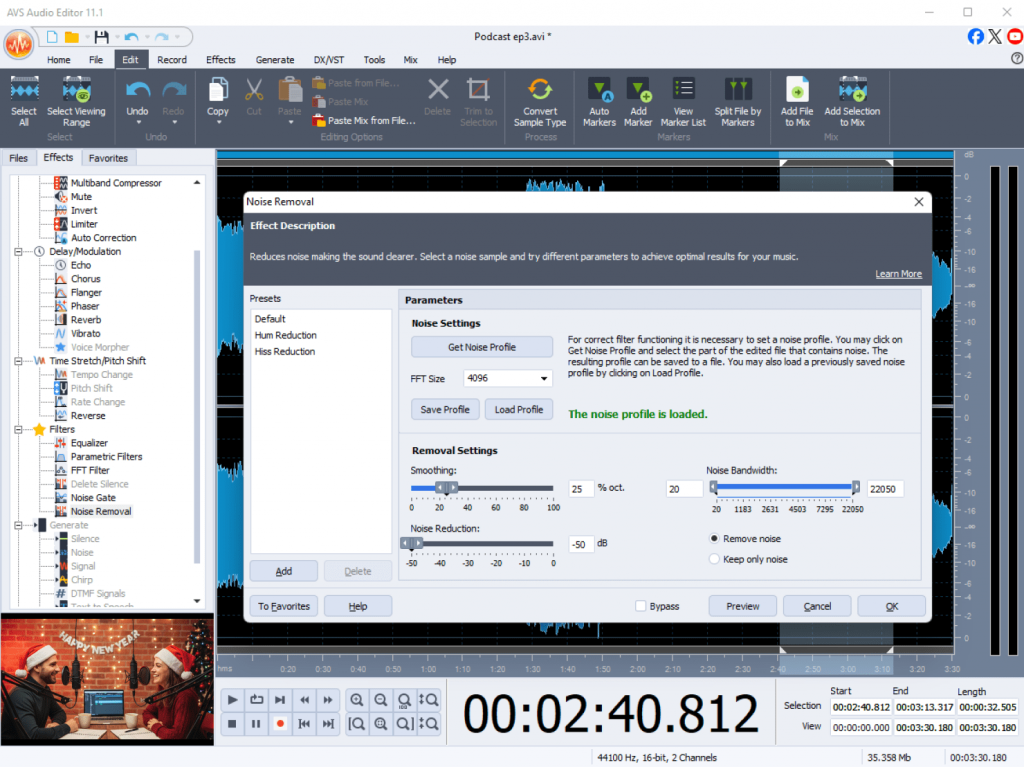
How to use it:
- Remove background noise and unwanted hiss.
- Apply equalization and compression to improve clarity.
- Mix multiple tracks or record new audio directly.
- Export in popular formats MP3, WAV, or FLAC.
Example:
A podcaster has recorded an interview, but needs to clean up the sound using noise reduction, and balance guest and host voices for a crisp, studio-quality result.
Pro tip: Use Audio Effects Library to add fade-ins, reverb, or echo for a more dynamic sound.
3. Create slideshows and presentations
Visual storytelling is essential for business pitches, social posts, or personal projects. AVS Video Editor lets you combine photos, video clips, and audio into eye-catching presentations in minutes.
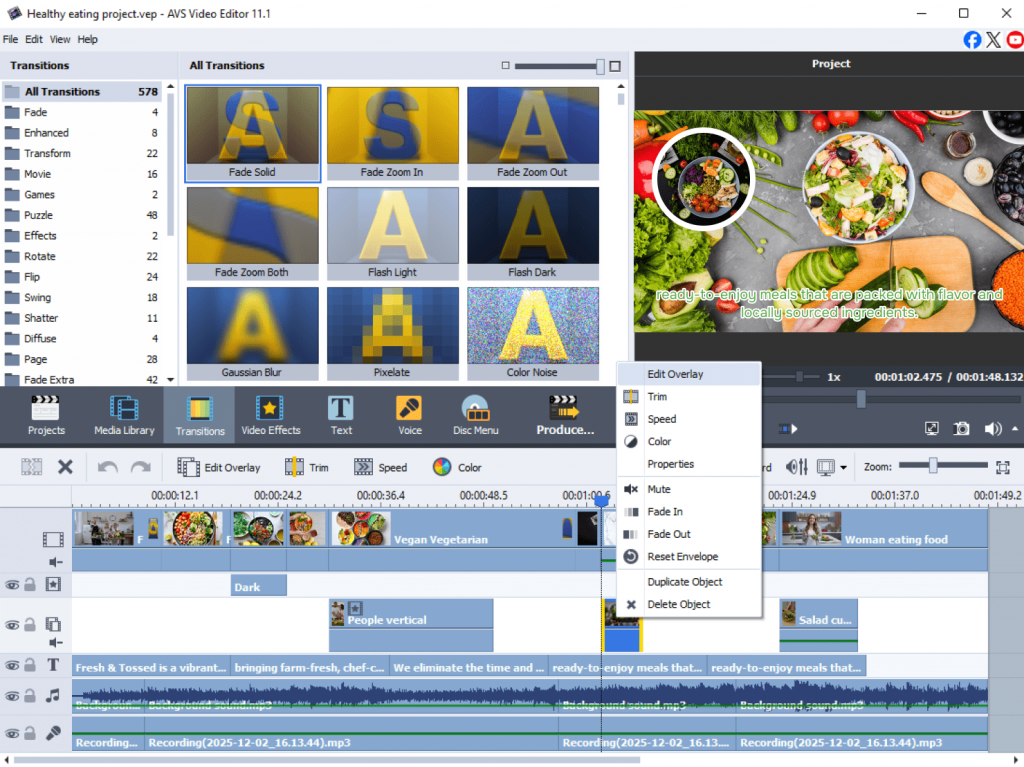
How to use it:
- Import images and arrange them in sequence.
- Add animated transitions, music, and text captions.
- Choose from various backgrounds, stickers and patterns.
- Save the final result in MP4 choosing a “video for a slideshow” profile.
Example:
A small business team creates a slideshow showcasing products, match it with background music, and use it for a social media ad or trade show presentation.
Pro tip: Keep each slide under 5 seconds for better audience engagement.
4. Record tutorials and demos
Screen recording is a must-have for making educational videos, product demos, or internal training materials. AVS Screen Recorder, implemented in AVS Video Editor, makes it easy to capture desktop screen, webcam, or both simultaneously.
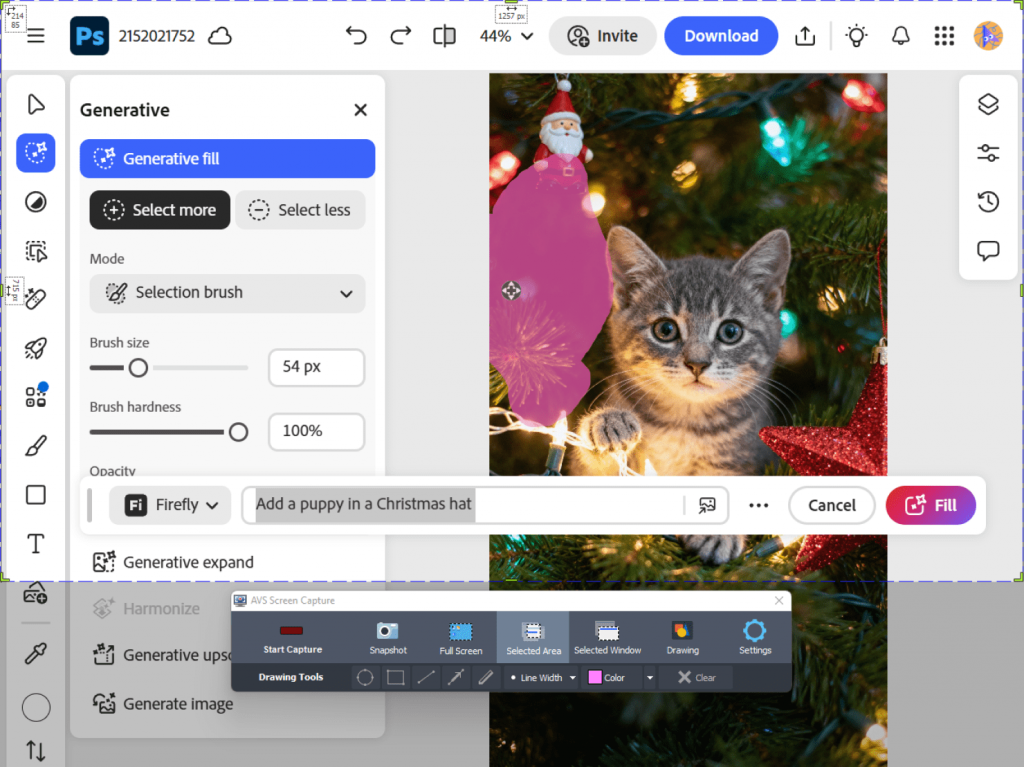
How to use it:
- Record full screen or a selected area.
- Capture system audio and microphone input together.
- Add cursor highlights and on-screen annotations.
- Save in HD formats ready for upload to YouTube or other platforms.
Example:
A software trainer will record a step-by-step tutorial with audio, then edit the recording adding titles and transitions.
Pro tip: Use picture-in-picture mode to show both your screen and your face for producing more interactive tutorials.
5. Convert and optimize media files
File compatibility issues may slow down even the most creative projects. With AVS Video Converter and AVS Audio Converter, you are empowered to make your files compatible for playback on any device or platform.
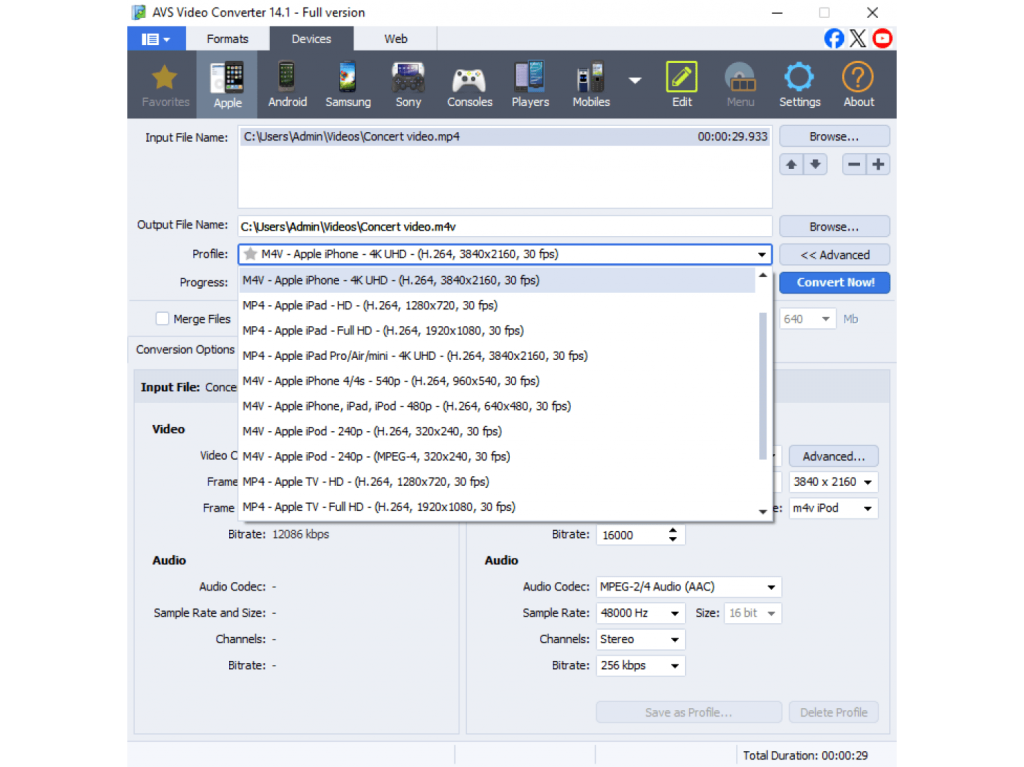
How to use it:
- Convert between all key formats: MP4, AVI, MOV, WMV, MP3, FLAC, etc.
- Use ready-made presets for smartphones, tablets, and social media platforms.
- Compress files without losing quality to save storage space.
- Convert multiple files at once using a batch mode.
Example:
A YouTuber converts large raw footage into smaller, high-quality MP4 files for upload or sharing with collaborators.
Pro tip: Choose device-specific presets (for instance, “For YouTube” or “For iPhone”) to get optimal quality and playback performance.
A Powerful toolkit at your fingertips
Why juggle multiple programs? With AVS4YOU Multimedia Suite, you have everything you need to craft compelling content from start to finish. Edit videos, enhance audio, create slideshows, record your screen, and convert files seamlessly within a single, cohesive toolkit.
Designed for creators of all kinds, it combines powerful features with an easy-to-use interface, saving you time and elevating your work.
Take your content to the next level with AVS4YOU.