



Introduction
Do you still have boxes of old VHS tapes with priceless memories including family holidays, childhood birthdays, or wedding footage? Although VHS was popular and frequently used, nowadays this format has become obsolete. VHS tapes degrade, lose quality, and most players do not support their playback. Converting VHS to DVD or digital formats such as MP4 is the best way to preserve and relive these moments.
In this blog post, we’ll list the best VHS to DVD converter software available today, both free and paid. You’ll learn the essential features to look for, see detailed overviews of top tools, and find a step-by-step guide for converting VHS to DVD using AVS Video Editor.
Reasons for converting VHS to DVD or digital formats
VHS digitization isn’t just about convenience, it’s about preservation.
- Protect fragile memories
Tapes deteriorate with time, exposure, and repeated playback.
- Easy playback and sharing
DVDs and MP4 files play on laptops, TVs, and smartphones.
- Future-proofing
Digital files ensure your memories remain safe for future generations.
Without digitizing, you risk losing irreplaceable family history forever.
VHS to DVD software: Must-have features
We recommend focusing on the following features when choosing which software to use for VHS conversion:
- Ease of use
A simple, beginner-friendly interface saves time and helps complete tasks effortlessly. - Video capture support
Seamless work with capture devices delivers real-time recording without dropped frames or synchronization problems. - Editing tools
Trimming, stabilization, and color correction help transform VHS cassettes into polished videos. Even small adjustments, for instance, cutting out blank sections or enhancing brightness, make old recordings much more enjoyable to watch. - Output formats
Wide format support, including DVD, MP4, AVI, and more, guarantees that you will easily play or share your digitized videos across different devices, from DVD players to smartphones and smart TVs. Having multiple options also future-proofs your collection. - Speed and reliability
Reliable software processes files fast and also reduces the risk of crashes or corrupted files, which is especially important when working with brittle VHS recordings you can’t easily redo. - Updates and support
Regular updates keep the software compatible with the latest devices and operating systems, while customer support provides help if you run into technical issues. This is particularly valuable for beginners who may need guidance during the process.
Best free VHS to DVD converter software
Free software is a great starting point for tech-savvy users on a budget. Here are three top options.
1. OBS Studio
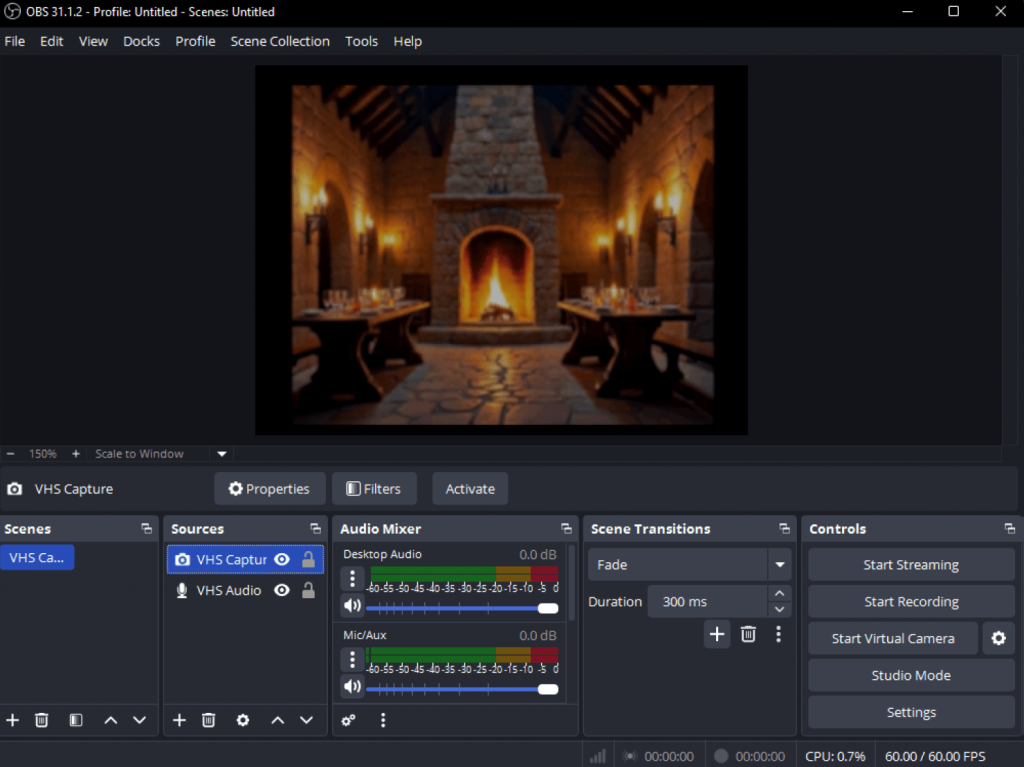
OBS Studio is a free, open-source tool mainly used for live streaming and screen recording, but it also supports VHS capture. It’s highly customizable, allowing to adjust settings for bitrate, resolution and select output format before or during recording.
- Pros: Completely free, powerful capture options, active community.
- Cons: Steep learning curve, limited editing functions.
- Best for: Tech enthusiasts who want to customize their video capture experience.
2. VirtualDub
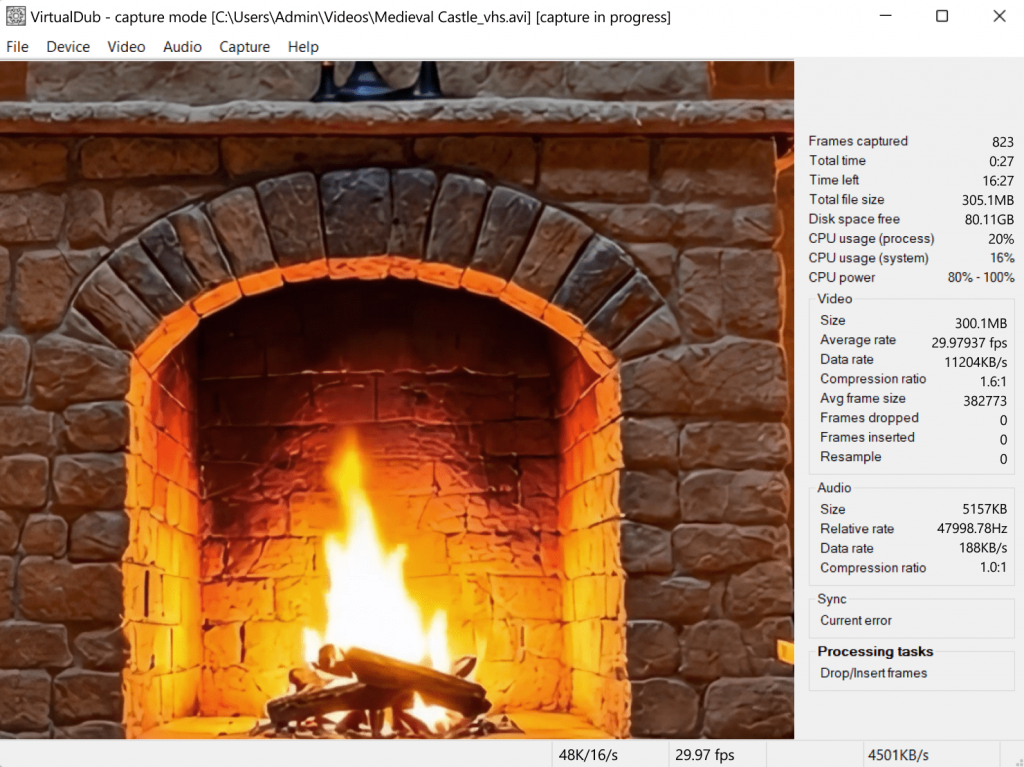
VirtualDub, a classic, lightweight capture utility, is designed for linear video processing and capture. It’s excellent for applying filters and compressing video files without a complicated interface.
- Pros: Free, fast, reliable for simple captures.
- Cons: No longer updated, outdated design, limited modern format support.
- Best for: Users comfortable with older software who only need straightforward VHS transfers.
3. Shotcut
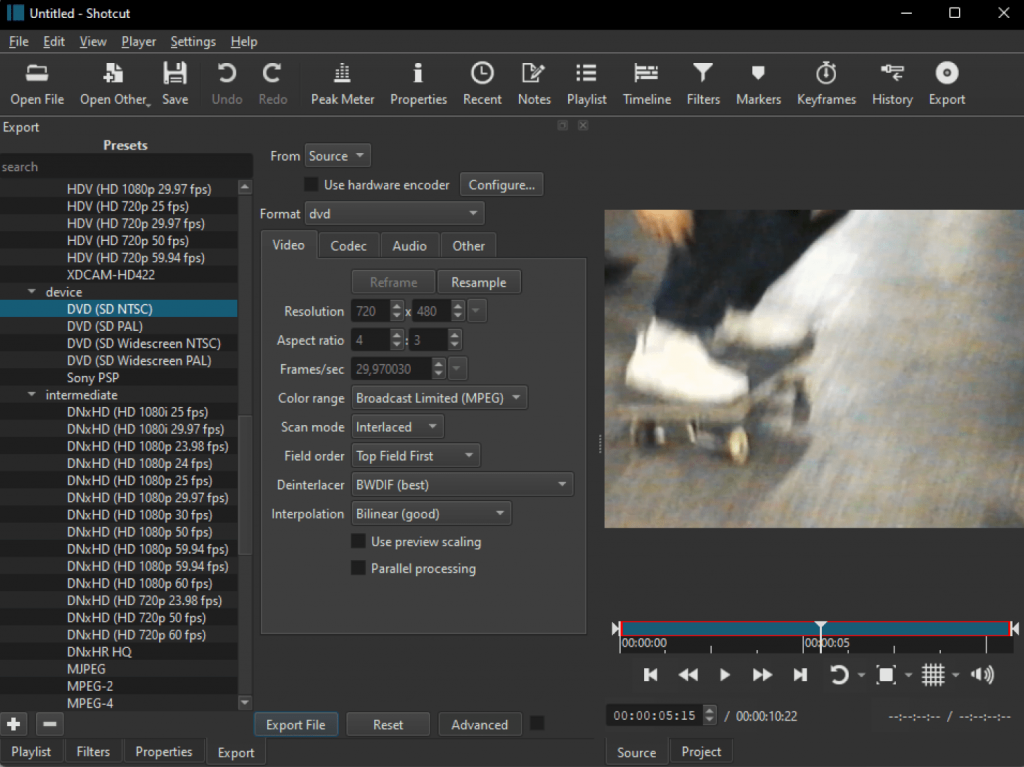
Shotcut is a full-featured, open-source video editor that supports a wide array of formats. It includes video capture functionality and a comprehensive set of polishing tools.
- Pros: Rich editing features, supports many formats, no watermark.
- Cons: Learning curve for complete beginners. The capture process is less guided than in dedicated VHS conversion software.
- Best for: Users who want a balance of free VHS capture and robust editing capabilities.
Best Paid VHS to DVD Converter Software
Paid software typically offers a more streamlined, beginner-friendly experience with dedicated support and advanced features.
1. AVS Video Editor
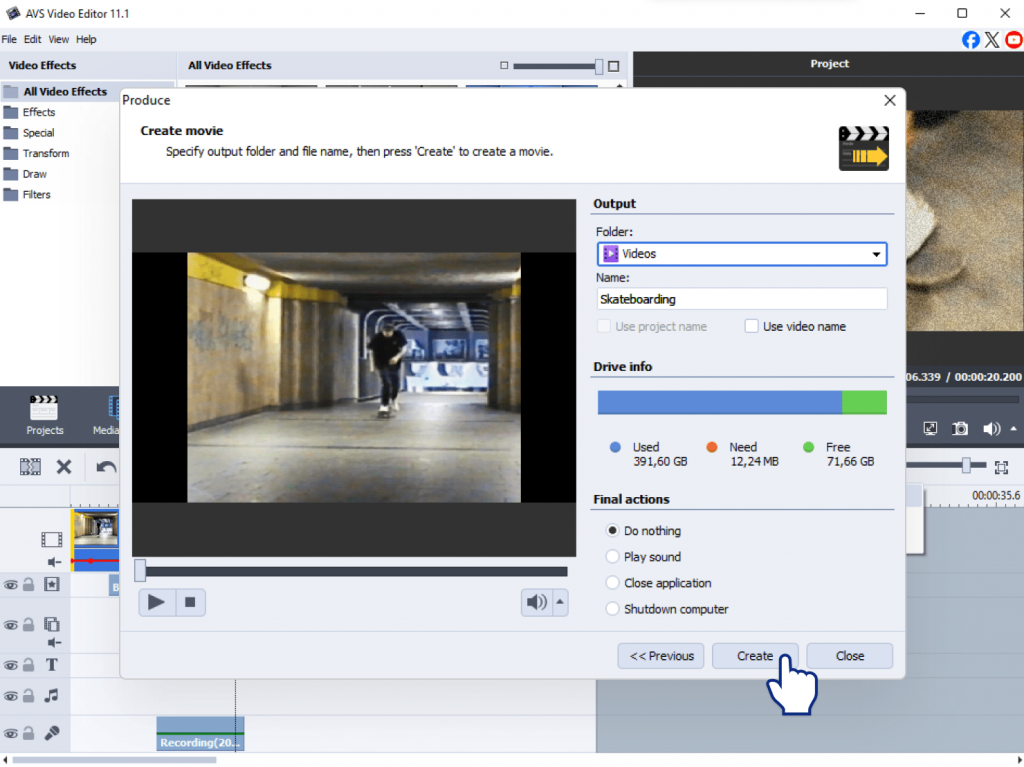
AVS Video Editor is an all-in-one video editor that simplifies digital transfer of home video tapes. It lets you connect your VHS player via a capture device, record video directly, edit footage, and export to DVD or MP4 or other formats.
- Pros: Intuitive capture wizard; comprehensive editing toolkit; direct export to DVD and MP4; ability to create DVD menus.
- Cons: Requires a license (affordable compared to premium alternatives).
- Best for: Beginners and families who want reliable results without profound technical skills.
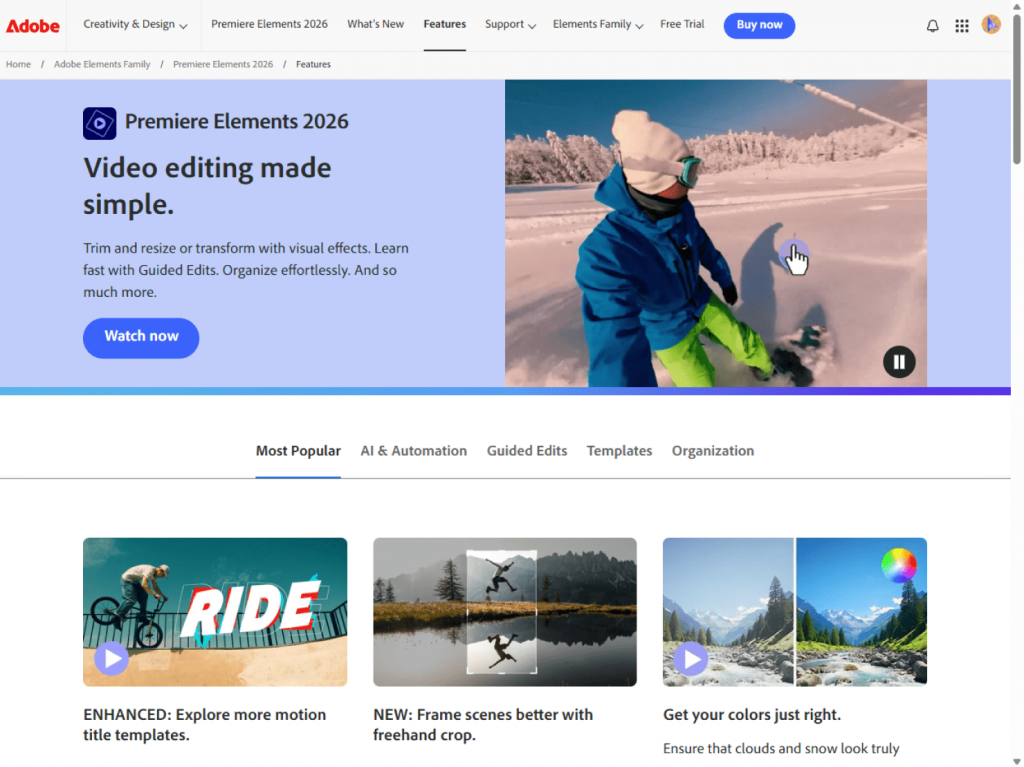
2. Adobe Premiere Elements
Adobe Premiere Elements is a simplified version of Premiere Pro, designed for home users. It doesn’t directly capture VHS but works well if you’ve already digitized footage with a capture device. It offers step-by-step editing instructions, automatic tools, and sophisticated effects.
- Pros: Intuitive interface, advanced yet accessible editing features.
- Cons: Expensive compared to simpler options, requires separate capture software/hardware.
- Best for: Users who need professionally restore and enhance old VHS footage.
3. CyberLink PowerDirector
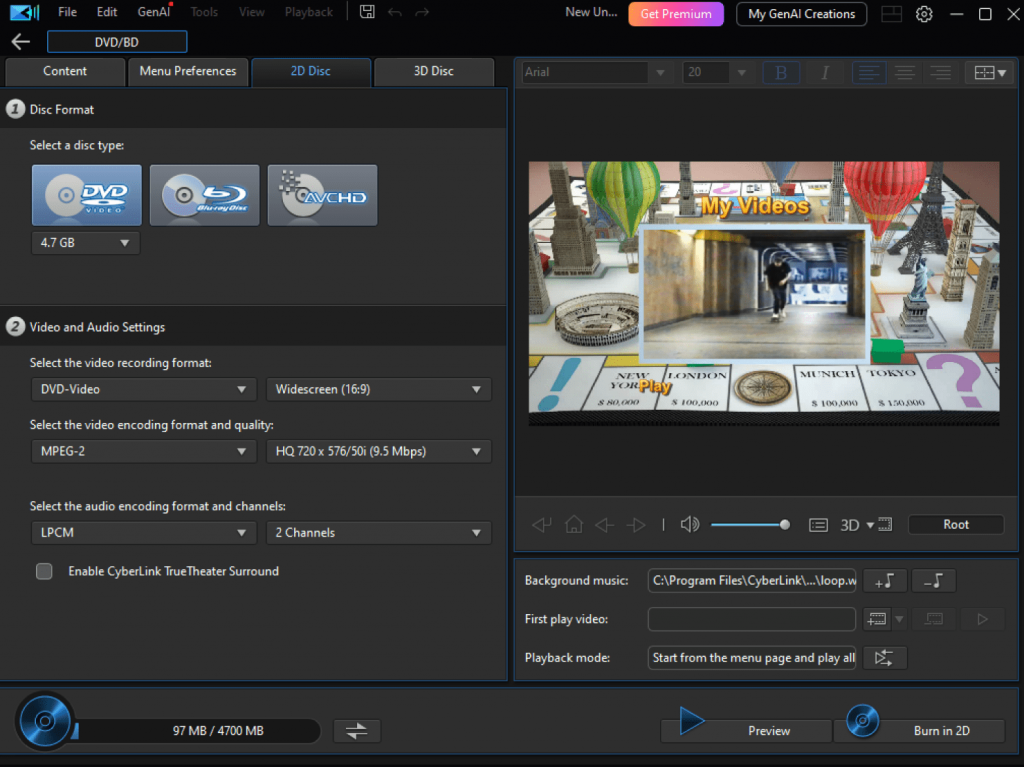
CyberLink PowerDirector is a powerful consumer-level editor with advanced effects, templates, and fast rendering. It works with video capture devices for VHS digitization and offers excellent timeline editing tools.
- Pros: Feature-rich, fast processing, user-friendly.
- Cons: Pricier than AVS4YOU, requires decent hardware.
- Best for: Users who want creative capabilities and high-quality output.
4. Roxio Easy VHS to DVD
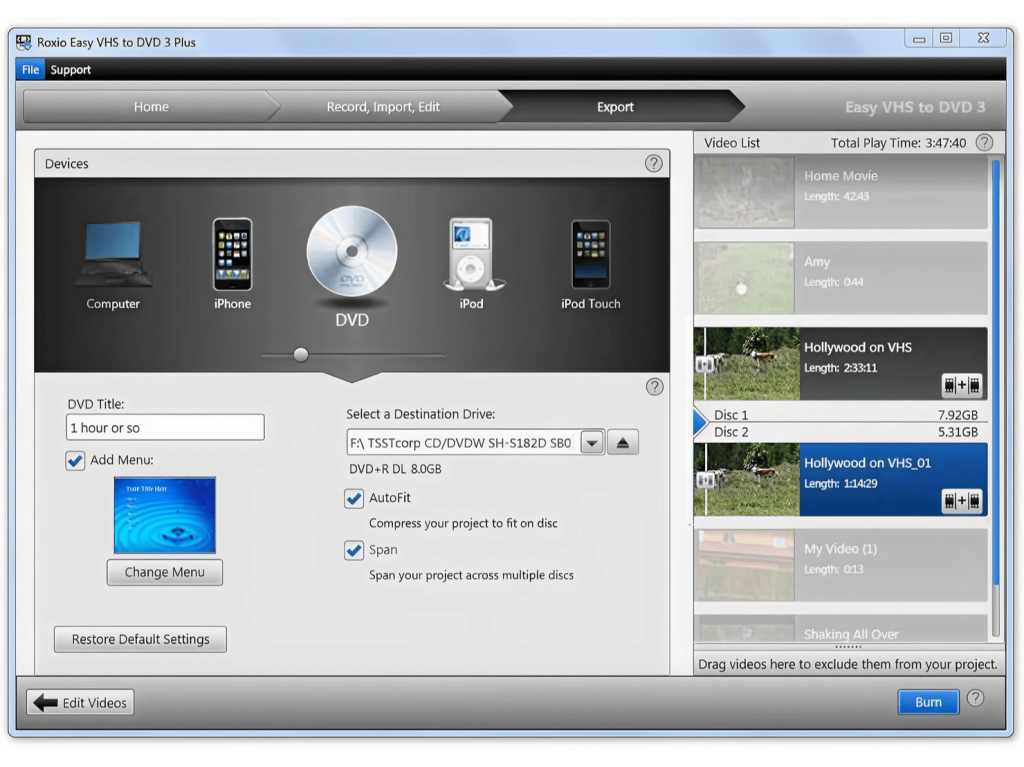
Roxio provides a complete package comprising capture hardware plus software. It is one of the easiest ways to convert VHS to DVD. The workflow is streamlined: just plug in, capture, and burn to DVD.
- Pros: Hardware included, very beginner-friendly.
- Cons: Limited editing options, Windows-only.
- Best for: Users looking for a plug-and-play VHS-to-DVD kit.
How to convert VHS to DVD with AVS Video Editor
Follow this step-by-step guide to learn how to transfer VHS tapes to DVD using AVS Video Editor:
1. Connect VHS player to your computer using a capture device (USB video capture card).
2. Open AVS Video Editor and select “Capture Video.”
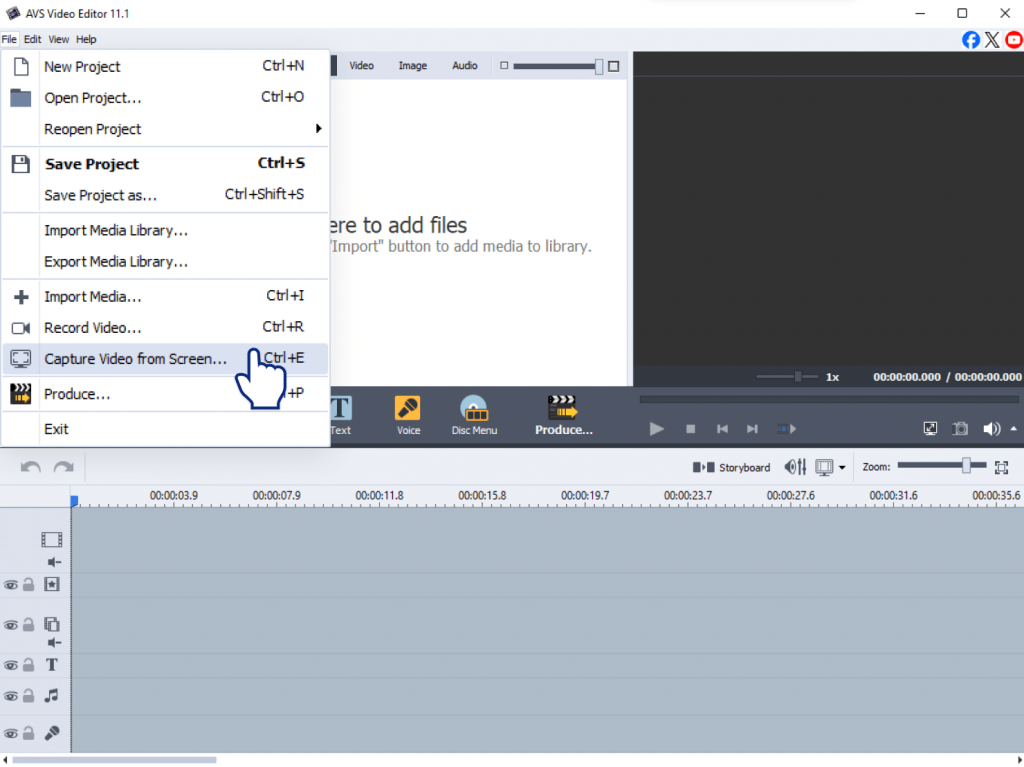
3. Choose your input source (the connected VHS player) and press “Start Capture.”
4. Preview and edit your footage – trim unwanted parts, adjust colors, stabilize shaky frames.
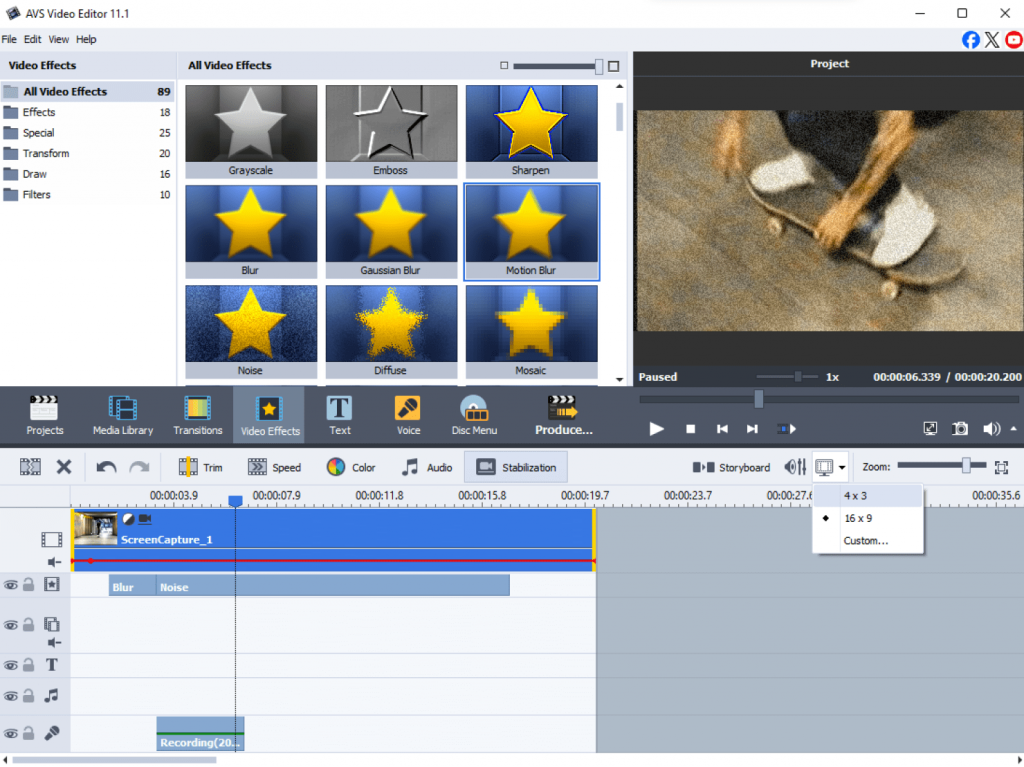
5. Export your video by selecting “Create DVD” or “Save to MP4/AVI.”
6. Burn to DVD directly within AVS Video Editor.
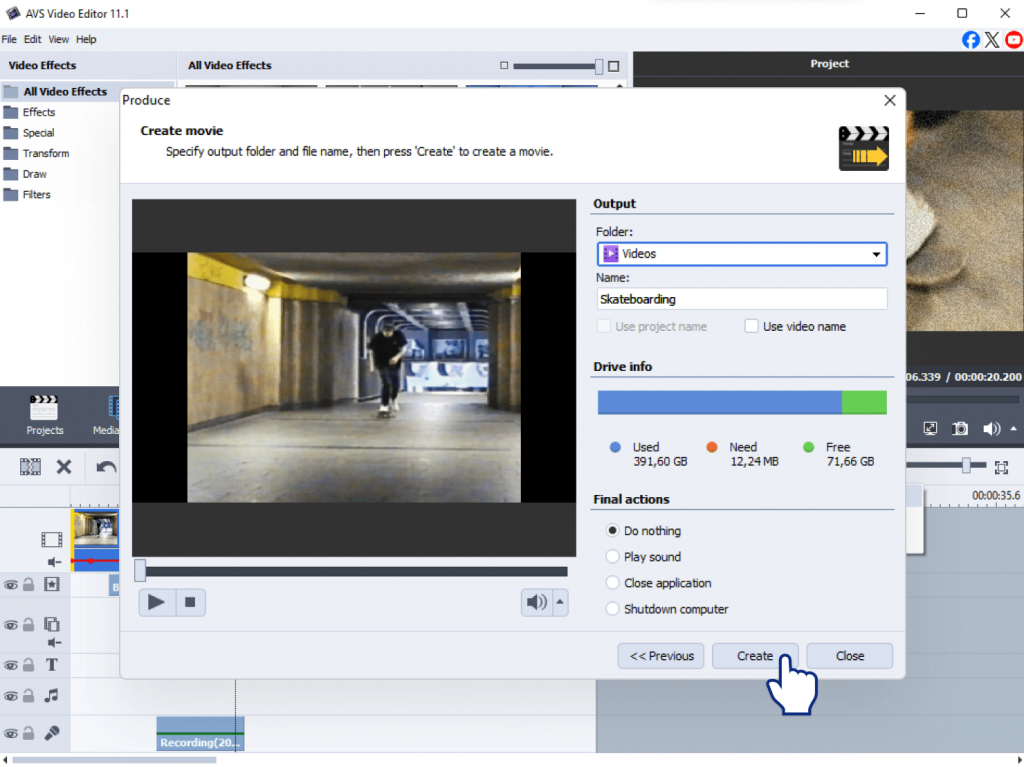
As you can see, it is really easy as 1,2,3 to preserve your old video tapes.
Tips for the best results
Digitizing your VHS tapes is a straightforward process, and a little preparation will do no harm. To ensure you capture your memories flawlessly and create digital files that will last, we recommend following these best practices:
- Clean your VHS tapes with a rewinder/cleaner before capturing.
- Use a high-quality capture device to avoid freezing or skipping.
- Choose the right format: MP4 for sharing online, or DVD for a physical disc to play in a DVD player.
- Always test with a short clip to fine-tune quality settings.
- Store backups on both physical drives and cloud storage.
Free vs Paid: Which should you choose?
Once you’re prepared, the next step is selecting the right software. Here’s a simple breakdown of your options to help you decide:
Free Tools (e.g., OBS Studio, Shotcut) are great for budget-conscious users who don’t mind technical setups. They work well for basic tasks but often lack advanced features and dedicated support.
Paid Tools save time with easier workflows, stable performance, and customer assistance. This category includes two types:
- User-Friendly & dedicated: programs such as AVS Video Editor, Roxio Easy VHS to DVD, or CyberLink PowerDirector with step-by-step wizards that simplify capturing VHS cassettes.
- Advanced editing: for those who want more powerful features and extra fine-tuning capabilities. For example, Adobe Premiere Elements offers professional-level tools.
For most families, the convenience and reliability of a paid tool justify the investment.
Final thoughts: Preserve your VHS memories today
Over time VHS tapes deteriorate losing their quality and color, they are no longer supported by players. Digitizing VHS ensures that your family history is protected, shareable, and easy to enjoy on today’s devices.Conversion is the key that unlocks the content, allowing you to remix and share it with everyone. No matter what program you pick for converting VHS to DVD, the most important step is to start.
Give a second life to your old tapes with AVS Video Editor, a reliable and beginner-friendly video editor. It offers an intuitive way to capture, trim, and save your videos. You can even burn polished DVDs with menusand present them as a valuable gift to your family members.
Ready to begin? Download AVS Video Editor today and turn fragile VHS tapes into timeless treasures you can enjoy for a long time.